By Business Need

ASK UNITY (BETA)
Ask the question. See the whole picture.
Legal’s questions rarely stop at the invoice. Ask Unity connects financial and operational data across Unity ELM, helping teams understand the matters, vendors, rates, budgets, accruals, and workflow activity behind the number.
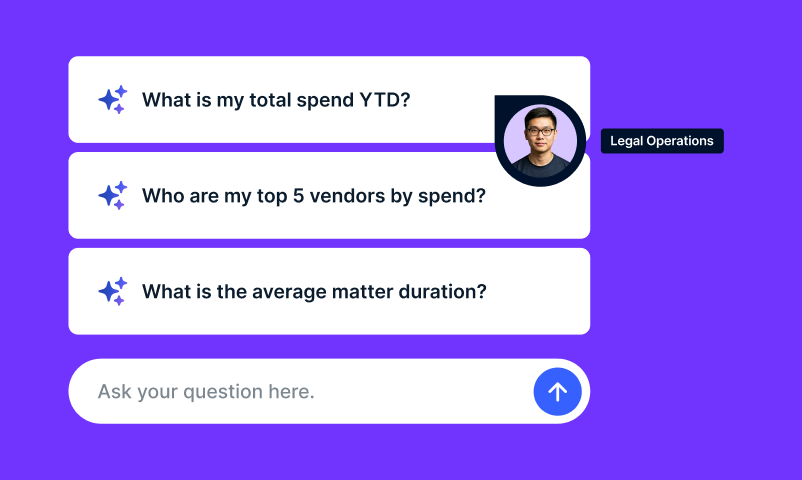
Ask a question in plain English and get a clear, structured answer with supporting visuals. No report building required.
Built into Unity ELM. Designed for the questions Legal actually asks.

Ask. Act. Automate.
Ask Unity gives Legal the insight to start. Ask across the legal operations record. Act on what needs attention. Use Unity to automate the work that follows.
Your next question should not start another reporting cycle.
Why did outside counsel spend increase? Which budgets are at risk? Where are invoices waiting for review?
The answer rarely lives in one report. Ask Unity connects financial and operational context across Unity ELM, helping Legal investigate what changed and respond while the answer still matters.
“Why did outside counsel spend increase?”
“Which budgets are at risk?”
“Where are invoices waiting for review?”
Start broad. Go deeper.
See how Ask Unity takes a high-level question, connects the relevant context across Unity ELM, and turns it into a structured answer with supporting visuals.
Then keep going. Compare periods, narrow the scope, or investigate what is driving the result without starting over.
Find the story behind the spend.
Connect spend with the matters, vendors, rates, budgets, accruals, and workflow activity behind it. See what changed, what is driving it, and where Legal may need to act.
Get an answer you can use.
Turn a plain-English question into a structured answer, table, or visual. Give Finance, business leaders, and outside counsel clearer answers without rebuilding the analysis for every conversation.
Stay with the question.
Compare periods, narrow the scope, investigate a variance, and ask follow-up questions in the same conversation. Save prior conversations so you can revisit and reuse your analysis later.
Ask the whole record, not just the invoice.
An invoice is one data point. Unity ELM holds the operational context around it. Ask Unity brings that information together so Legal can understand not only what happened, but what is driving it.
Ask Unity works across:
- Matters, Practice Areas, Legal Entities, and Cost Codes
- Invoices, line items, workflow statuses, reviewer rules, and reviewers
- Vendors, timekeepers, rates, and billed hours
- Budgets, accruals, utilization, and variance
- Purchase orders and matter allocations
- Invoice adjustments and rejection reasons
- Client-configured attributes
Ask Unity can also answer product-related questions, helping users find guidance without leaving Unity ELM.
Your data. Your permissions. Answers you can check.
Ask Unity works within Unity ELM’s structured data and existing role-based permissions. Users receive answers based only on the information they are authorized to access.
Results are grounded in Unity ELM data and designed to be validated against the underlying records. If a question needs more context, Ask Unity asks the user to clarify rather than assuming the intended scope.

Not every question needs a new report.
See how Ask Unity turns connected legal operations data into clear answers and visuals your team can explore, understand, and use.
Frequently asked questions
What is Ask Unity?
Ask Unity is the conversational analytics experience built into Unity ELM. Legal teams can ask questions in plain English and receive structured answers and supporting visuals grounded in their permission-aware Unity ELM data.
What can I ask Ask Unity about?
Ask Unity supports questions across spend, matters, invoices, vendors, timekeepers, budgets, accruals, purchase orders, allocations, invoice reviewer rules, workflow activity, and client-configured attributes.
Does Ask Unity replace legal spend reporting?
Ask Unity complements dashboards and scheduled reports by making ad hoc analysis easier. It helps teams answer questions that arise between reporting cycles or require context from multiple areas of Unity ELM.
How does Ask Unity handle unclear questions?
When a question needs additional context, Ask Unity prompts the user to refine it rather than assuming the intended scope.
Can I return to a previous analysis?
Yes. Saved conversations make it easier to revisit and reuse your prior analysis.
Can Ask Unity answer product-related questions?
Yes. Ask Unity can help users find product guidance without leaving Unity ELM.