By Business Need

AI & Agents
Get more legal work done with AI.
Review invoices and contracts, get answers from your legal data, and guide requests to the right team with AI across Onit’s products.
Trusted by leading legal teams


Explore AI across the Onit portfolio.
Find AI capabilities for legal operations, contracts, intake, and the way your team works.
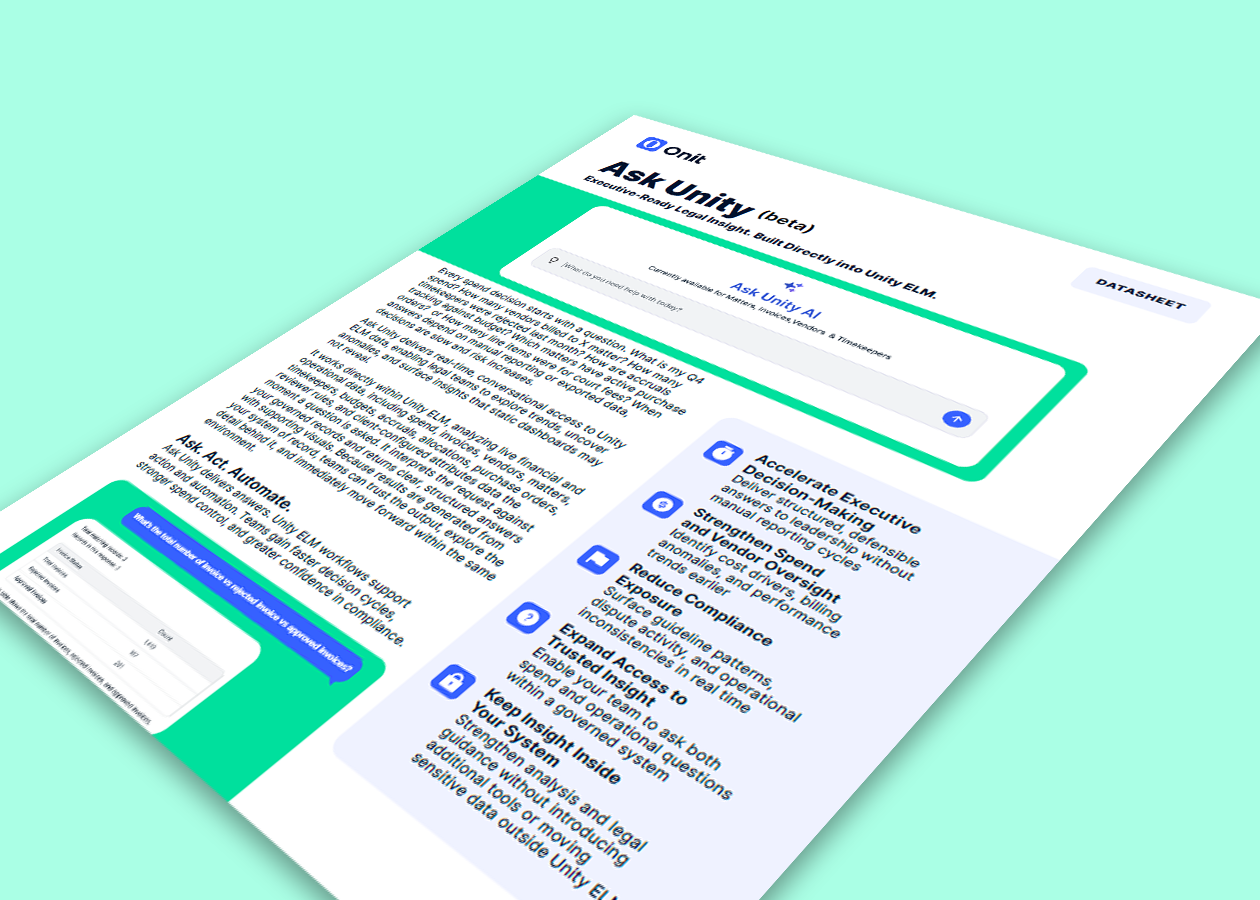
Ask Unity
Ask the question. See the whole picture.
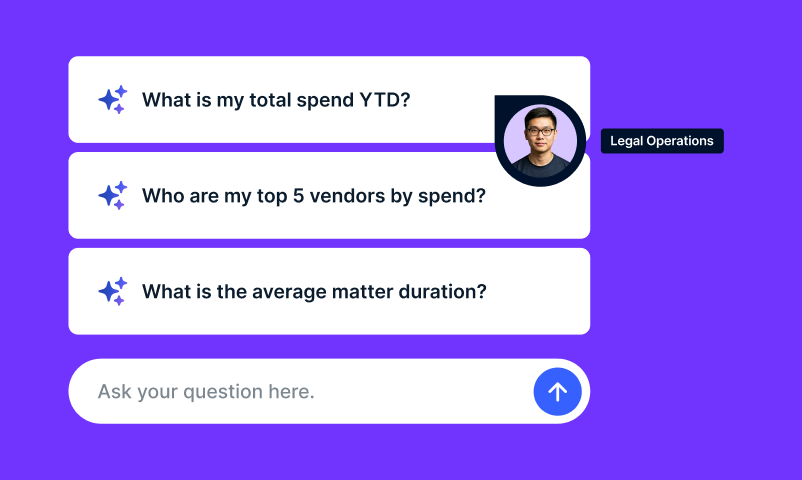
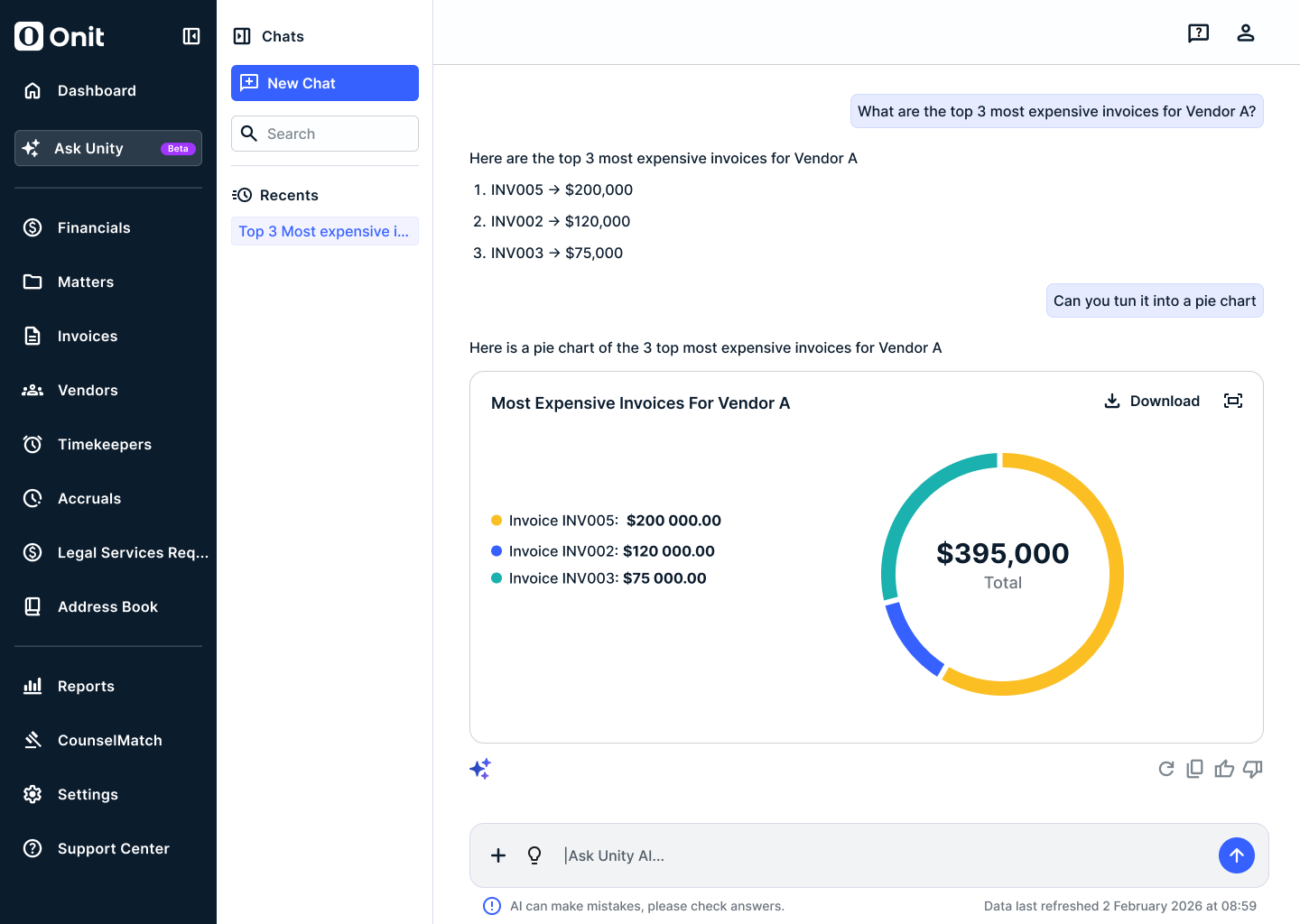
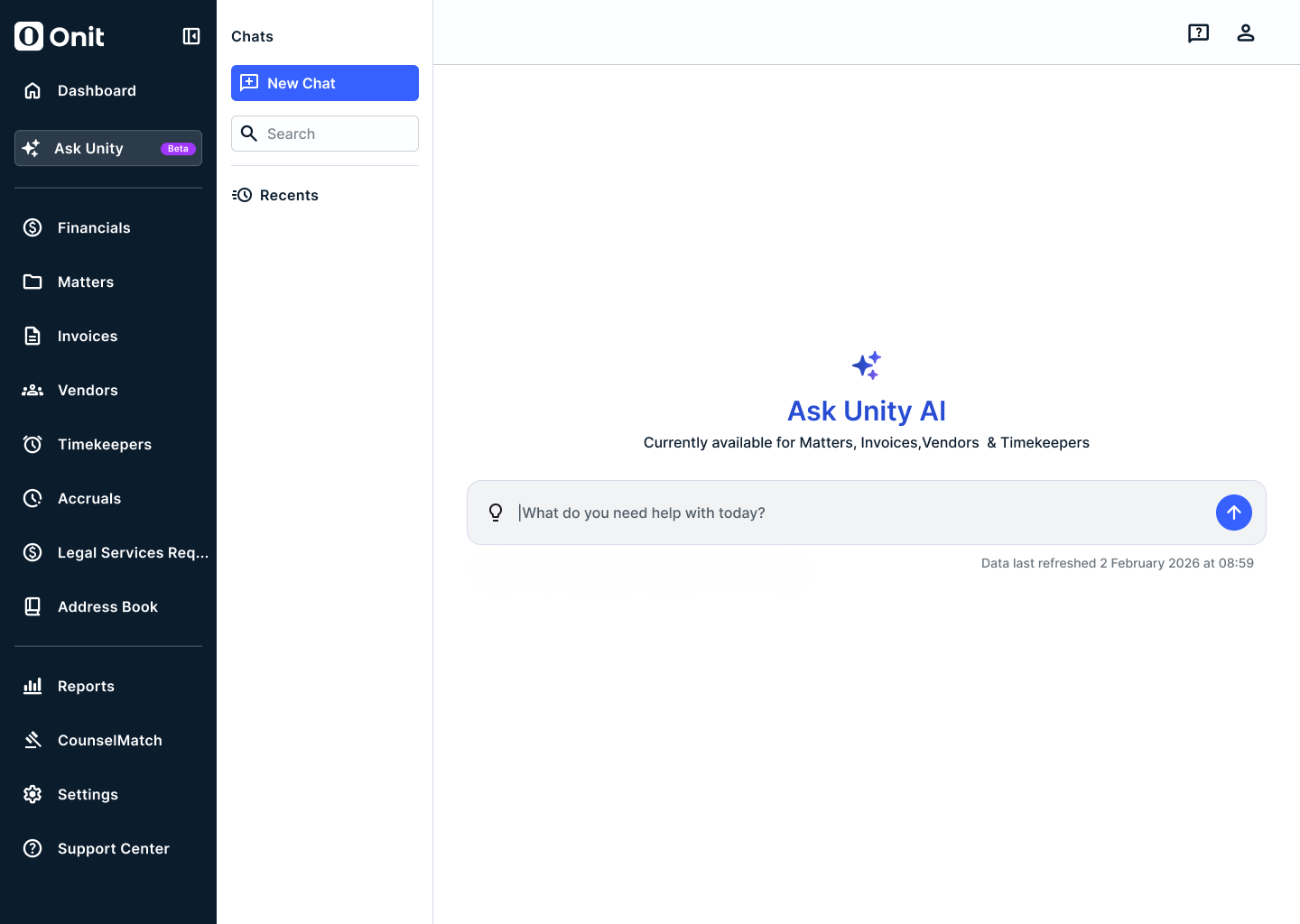
Ask Unity answers questions across Unity ELM’s financial and operational data in plain language, with structured answers and supporting visuals. Included with Unity ELM.
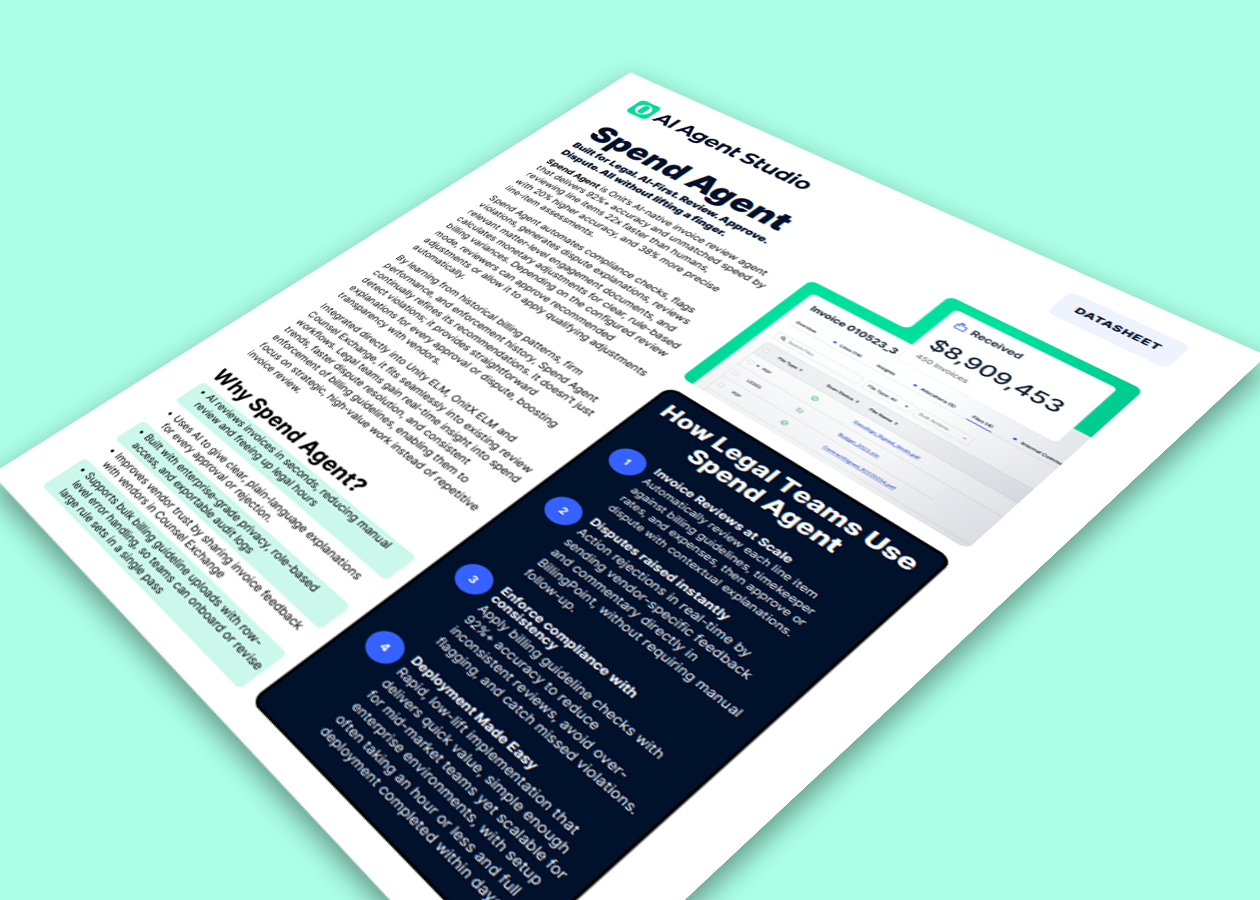
Spend Agent
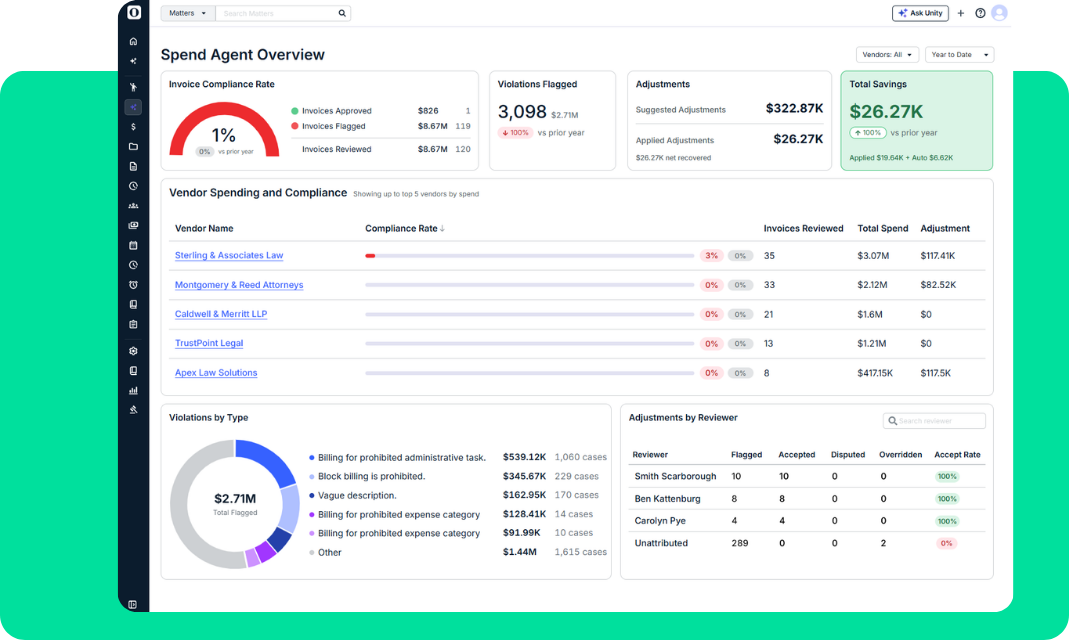
Review outside counsel invoices against your billing guidance and engagement terms. Identify potential issues, explain suggested adjustments, and give your team a clear basis for deciding what happens next.
AI for contracts
ReviewAI, built into ContractWorks, applies your playbook in Word. AI Contract Extract organizes key dates, obligations, and clauses. ReviewAI, Smart Mapping, and structured information also extend into OnitX CLM.
AI for legal intake
Unity LSR combines answers from approved company documents with guided request creation and controlled escalation to Legal.
Give Legal more capacity to act.
Use AI to surface potential issues, organize important information, and help your team decide what to do next. Choose the capabilities that support the work you need to improve.
Legal Operations Insight
Ask the question. See the whole picture.
Ask Unity answers questions across Unity ELM’s financial and operational data. Explore matters, spend, vendors, budgets, and accruals in plain language, with structured answers and supporting visuals.
- Investigate trends without building a new report
- Bring financial and operational context into the answer
- Access insight within your existing permissions
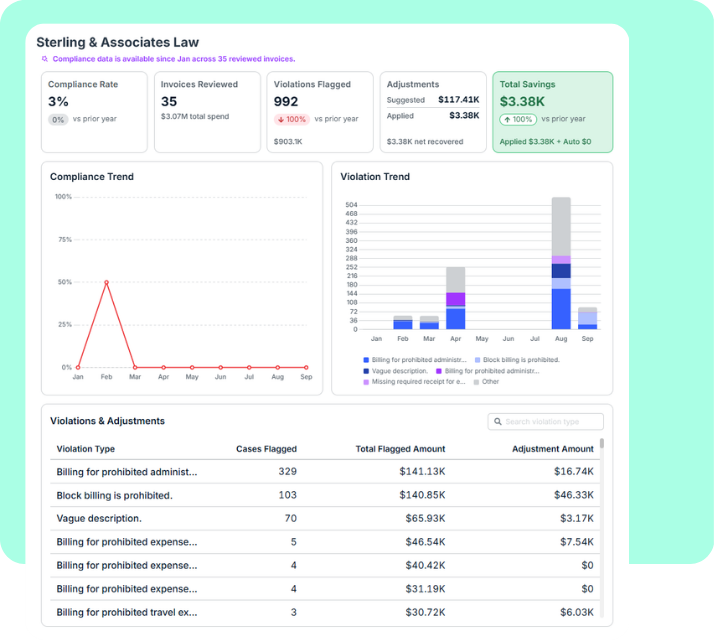
Legal Invoice Review
Apply your billing guidance. Understand every flag.
Spend Agent reviews outside counsel invoices against your billing guidance and engagement terms, identifies potential issues, and explains suggested adjustments. Your team can see the reasoning and decide what happens next.
- Check charges against approved rates and applicable terms
- Match invoices to matters and firms
- Choose when reviewers approve adjustments and when to automate
Contract Review & Intelligence
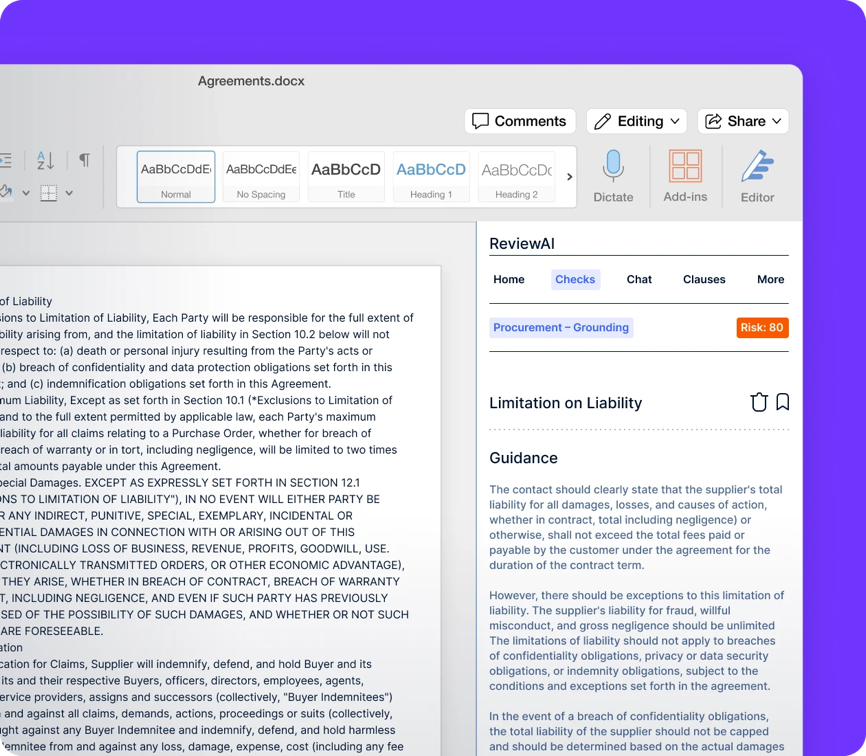
Review the terms. Capture what matters.
Apply your playbook in Microsoft Word with ReviewAI, then build on ContractWorks. Use AI Contract Extract to turn contract text into searchable information about key dates, obligations, and clauses.
- Identify issues and apply approved fallback language
- Guide reviews with playbooks and smart checklists
- Extract and organize important contract details
AI-Guided Legal Intake
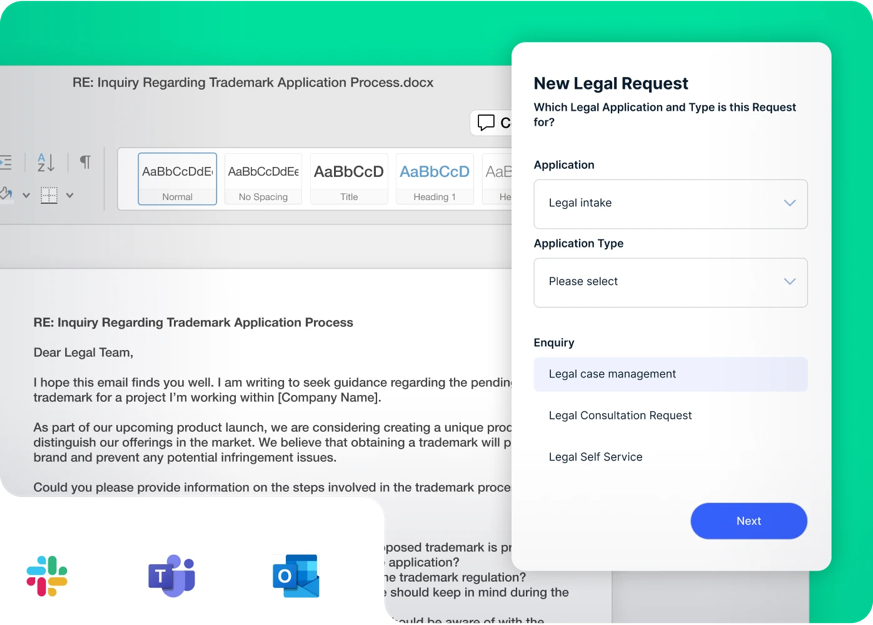
Help the business reach the right next step.
Unity LSR helps business users describe what they need, find answers from approved company documents, and submit structured requests. Work that needs Legal’s attention moves into a controlled escalation process.
- Answer questions using approved sources with citations
- Guide users through request creation
- Carry request context into matter creation
What can AI and agents help you get done?
Review legal invoices more consistently
Check invoices against agreed billing guidance and terms that apply. Use Spend Agent’s explanations and suggested adjustments to focus attention on potential issues and make informed decisions.
Answer questions from leadership
Ask Unity questions about spend, matters, vendors, and other Unity ELM records. Get structured answers and visuals without starting a separate reporting cycle.
Reduce manual contract work
Use ReviewAI to review agreements against your playbook. Capture contract details through ContractWorks AI extraction, or use ReviewAI Smart Mapping to accelerate structured OnitX CLM records.
Guide requests before they reach Legal
Give business users answers from approved company documents and help them submit better requests. Unity LSR escalates ambiguous or higher-risk work to Legal while preserving the conversation and supporting context.
Extend AI to your team’s workflows
Build custom agents in AI Agent Studio. Connect your AI assistant to Onit data through Onit MCP, with access based on the authenticated user’s permissions and a recorded audit trail. MCP currently provides read-only access.
Results that move Legal forward
See how legal teams are using AI to accelerate reviews, reduce manual work, and improve visibility.

Review SaaS contracts faster and more consistently with ReviewAI.

Reduce manual work across global legal and procurement operations.

Improve transparency with AI-powered invoice and matter analytics.
Business runs on legal. Legal runs on Onit.
Explore more ways to manage legal work with Onit.
Enterprise Legal Management
Manage matters and legal spend with greater visibility and control.
Contract Lifecycle Management
Manage agreements from drafting and approval through signing, storage, and renewals.
Workflows & Intake
Capture requests and automate the steps that keep legal work moving.
Go deeper on AI and agents.

Frequently asked questions
What AI capabilities does Onit offer?
Onit offers AI for invoice review, legal operations analytics, contract review and extraction, and legal intake. These include Spend Agent, Ask Unity, ReviewAI, ContractWorks AI Contract Extract, and Unity LSR. AI Agent Studio, Olava, and Onit MCP extend the range across the portfolio.
Can AI follow our billing guidance and contract playbooks?
Spend Agent reviews outside counsel invoices against applicable billing guidance and engagement terms. ReviewAI applies configurable playbooks, approved clauses, and fallback language to contract reviews. Both support different review processes and associated controls.
How much control does our team keep?
Controls depend on the capability. Spend Agent supports reviewer decisions and configured automation. Ask Unity respects user permissions. Unity LSR governs responses and escalations. Onit MCP currently uses read-only access under the authenticated user’s permissions.
Can we build custom agents and start with specific use cases?
AI Agent Studio enables teams to build custom agents for specific legal workflows and use cases. Teams can start with targeted processes and extend their use of AI as their needs evolve.