92% compared to 72%: AI outscored experienced lawyers on invoice approvals.

Onit Spend Agent

Smarter legal spend control starts here

Spend Agent reviews outside counsel invoices against applicable billing guidance, identifies potential issues line by line, and recommends financial adjustments so your team can control spend without reviewing every line manually.


Two women reviewing financial data on a laptop, with displayed metrics including YTD Income, Amount Billed, and Total Outstanding, emphasizing AI-assisted legal invoice review for improved compliance and efficiency in legal operations.
Trusted by leading legal teams worldwide
AI logo for Spend Agent, Onit, enhancing legal operations with intelligent invoice review and compliance.
Onit logo representing AI solutions for legal operations and invoice review.

Put proven performance behind every invoice

92%+

invoice-level accuracy, compared to 72% for experienced lawyers

22x

faster line-item review compared to manual reviewers

FIND WHAT MANUAL INVOICE REVIEW CAN MISS

Review more spend without reviewing every line

Billing guidelines only protect your budget when they’re consistently applied. But checking every invoice line against guidelines, negotiated rates, matter terms, and exceptions takes time most legal teams don’t have.

Spend Agent does the heavy lifting. It reviews enabled invoices against the guidance that applies, identifies potential issues at the line-item level, and recommends financial adjustments where appropriate.

Your team gets the analysis it needs to make a decision without having to find every issue first.
Insights on Medtronic's legal operations transformation using Onit's ELM and CLM solutions, highlighting streamlined workflows and integrated capabilities.
Catch more

Analyze invoice lines against applicable billing guidance and surface potential issues for review.

Revenue optimization graphic illustrating streamlined legal operations and contract management within Onit's platform, relevant to Medtronic's implementation of ELM and CLM solutions.
Act faster

Turn supported findings into calculated recommended adjustments instead of manually determining the financial impact.

Lock icon representing secure document management and compliance in healthcare with ContractWorks by Onit.
Stay consistent

Apply the same billing guidance across invoices, vendors, and reviewers.

Apply the right terms to every invoice

Outside counsel guidelines set the foundation. Individual engagements can change the rules.

Spend Agent can review uploaded matter-level engagement documents alongside your billing guidelines to account for the terms negotiated for a specific matter.

When matter-level terms differ from broader billing guidelines, Spend Agent gives the specific engagement terms appropriate consideration.

Two professionals discussing an invoice on a tablet, with visible invoice details including dates and invoice number, set against an outdoor urban background.
Agreed rates

Review charges against rates established for the engagement.

Matter-specific terms

Apply the terms and supporting materials associated with the applicable engagement.

Receipt matching

Validate receipts against expense line items as part of invoice review.

Documented exceptions

Recognize matter-specific terms that differ from broader billing guidelines.

GO FROM FINDING TO FINANCIAL ACTION

See the issue, understand why, and know what to do next

Finding a potential billing issue is only useful if your team can act on it.

Spend Agent connects supported findings to the applicable billing guidance, calculates a recommended monetary adjustment, and takes reviewers directly to the affected invoice line.

Reviewers can see what was identified, why it was flagged, the original amount, and the recommended correction in one place.

Less time finding and calculating. More time deciding.
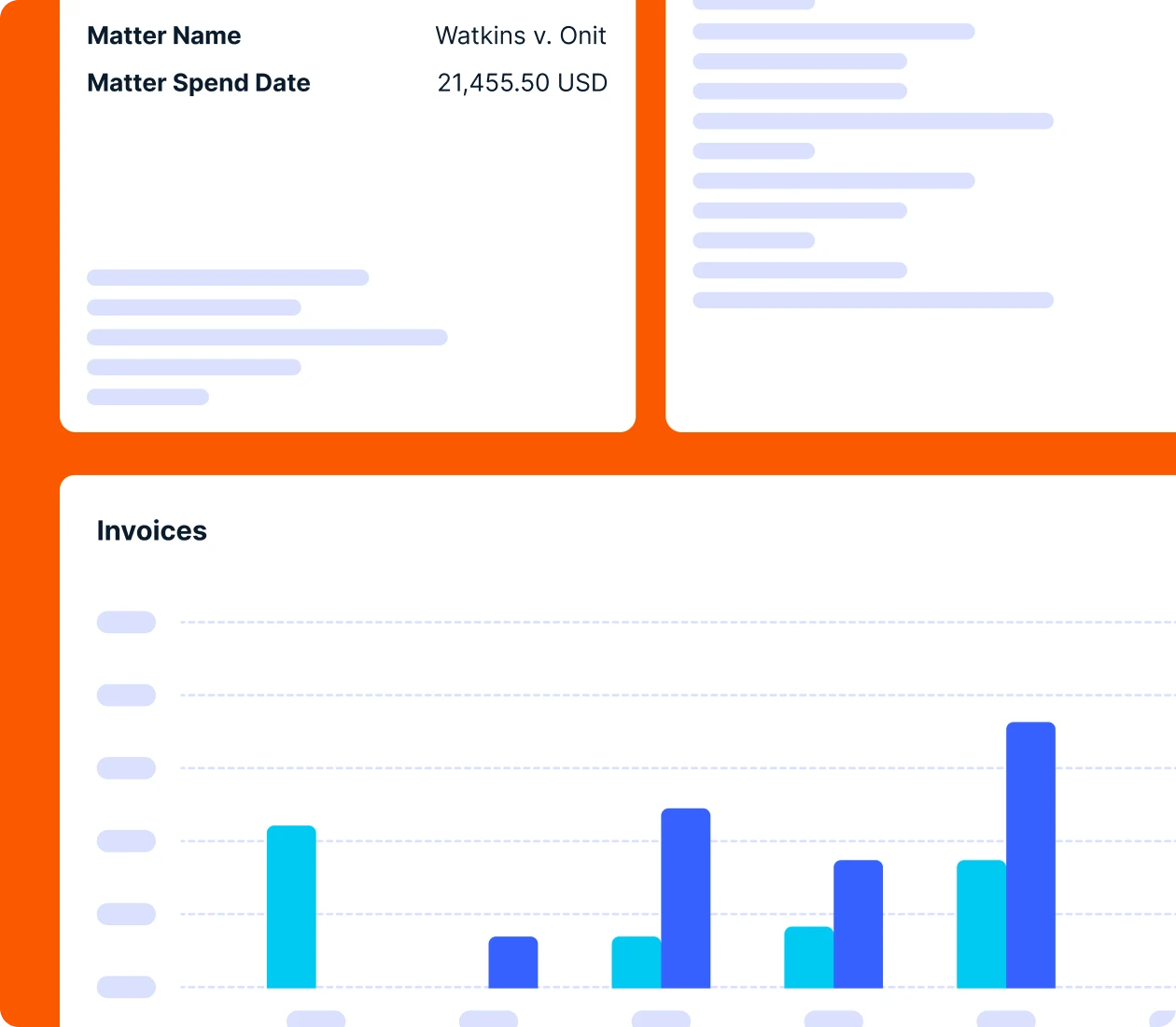
Dashboard interface displaying legal matter details, including "Watkins v. Onit," spend date, total amount of $21,455.50, and invoice data visualized in bar charts, representing Spend Agent's AI-driven invoice review capabilities for legal operations.

KNOW WHY SPEND AGENT FLAGGED IT

Explainable AI for defensible invoice review

AI shouldn’t make invoice decisions your team can’t understand. Spend Agent provides clear explanations for its findings and connects them to the billing guidance that applies, giving reviewers context before they take action.

See the reasoning

Understand what was identified and why.

Verify the guidance

Connect findings back to the billing terms behind them.

Stay in control

Keep reviewers in the decision when human judgment is needed.

Add intelligence to the ELM workflow you already use

Spend Agent works directly within OnitX ELM and Unity ELM, bringing AI-powered invoice review into the workflows your team already uses.

No separate invoice-review system. No disconnected analysis. Just intelligent review, recommended financial adjustments, and configurable controls where your team already manages legal spend.

Take control of every invoice

Review more legal spend, catch potential billing issues earlier, and turn findings into clear financial action without adding equivalent manual effort. See Spend Agent in action and discover what stronger invoice review could mean for your legal spend.
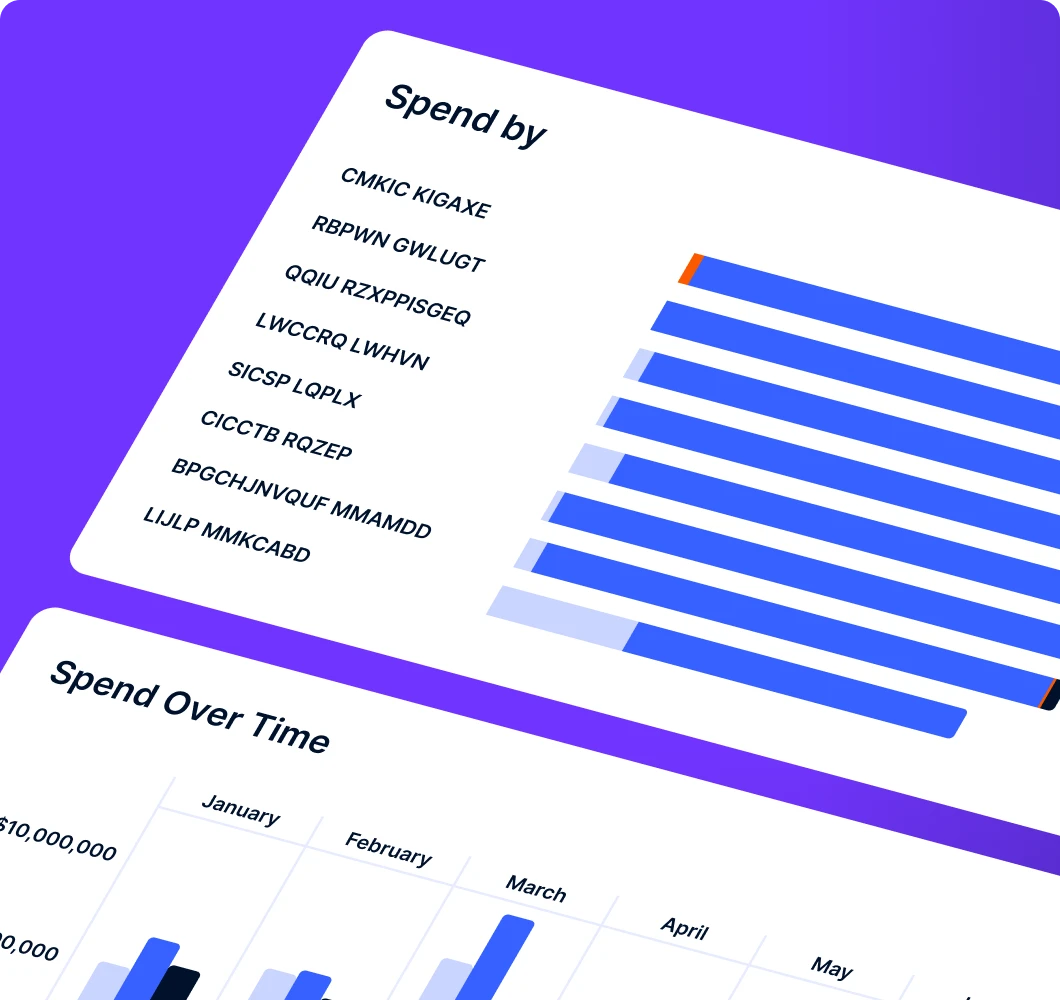
Bar chart displaying invoice spend data by vendor and monthly spending trends, highlighting efficiency and collaboration in legal operations with Onit's Spend Agent tool.

FAQs

Spend Agent reviews every line of every invoice from the firms you enable, checking each item against your billing guidelines and engagement terms, consistently, every month. Your team keeps the judgment calls. Spend Agent does the detailed and accurate line-by-line work, that would normally only be spot-checked, so your attorneys spend their time on actual adjustments that matter instead of hunting for them.

  • Coverage: In-house review usually means spot-checking the largest invoices and trusting the rest. Spend Agent performs a thorough review of every invoice by checking every line against established guidelines and terms.
  • Consistency: For example, guidelines applied by six different reviewers get applied six different ways. Spend Agent applies the same standard every time, using the terms you’ve agreed with each firm.
  • Results: In August of 2026, customers using Spend Agent flagged 18% of reviewed spend for adjustment. The range ran from roughly 10% to 45%, and the spread tells the story: departments with mature review programs found meaningful adjustments that would have been missed, while departments doing structured review for the first time found the most return in adjustments.
  • Context: Spend Agent doesn’t stop with your general guidelines. It also checks the engagement terms and approved rates you’ve agreed for the work, so negotiated exceptions are honored and matter-specific limits aren’t missed.

An outside review firm rents you a team you never stop paying for. Spend Agent gives you the same line-by-line scrutiny inside Unity ELM, applied as invoices arrive, with your data and your guidelines staying under your control.

  • Augment your team, don’t outsource it. Spend Agent works alongside your own reviewers, so you add review capacity without handing your invoices to a third party.
  • Control stays with you. Your billing guidelines, your engagement terms, your data. You see why every line item was flagged, and you decide how much to automate, firm by firm: a reviewer accepts or dismisses each item, or Spend Agent handles clear-cut issues automatically.
  • Connected, not standalone. An outside reviewer sees the invoice potentially without full context. Spend Agent works inside Unity ELM, checking each invoice against your current billing guidelines and approved engagement terms and rates you’ve agreed with the firm.
  • Clear reasons for your firms. Firms see the flagged items and the reasons why they were flagged in Counsel Exchange, so they know what to fix before they resubmit.
  • Proof in the numbers. In August of 2026, customers using Spend Agent flagged 18% of reviewed spend for adjustment. The range ran from roughly 10% to 45%, and the spread tells the story: departments with mature review programs found meaningful adjustments that would have been missed, while departments doing structured review for the first time found the most return in adjustments.
  • Every month, not every audit. Outside reviews tend to be periodic. Spend Agent runs every billing cycle on each invoice from the firms you enable.

Spend Agent is an AI agent that integrates with Unity ELM to enable accurate and efficient line-by-line review of outside counsel invoices against your established billing guidelines and engagement terms.

Spend Agent identifies and flags any entries that do not align to approved terms. It generates a list of discrepancies for your team to evaluate and decide which items need adjusting, or Spend Agent can automatically make adjustments as required.

How a Spend Agent review works:

  • An invoice comes in through Counsel Exchange, Onit’s vendor portal.
  • Spend Agent analyzes every line item and checks it against your established billing guidelines and engagement terms and the approved rates.
  • Any discrepancies are flagged with the reason, enabling a reviewer to quickly see the issue without having to read the full invoice.
  • In Sentry mode, your reviewer can interactively accept or dismiss each item as it’s flagged.
  • In Auto mode, Spend Agent can reject invoice items and send invoices back to the firm with the reasons.
  • Spend Agent can be disabled as needed for various vendors.

What Spend Agent looks for: the very issues guidelines are written to control, for example entries that are billed outside of agreed rates and work that falls outside of the engagement terms.

More than most teams expect. In August of 2026, customers using Spend Agent flagged 18% of reviewed spend for adjustment. The range ran from roughly 10% to 45%. Suggested adjustments are not the same as realized savings. They’re the slice of spend worth your team’s attention.

  • What you can expect: Apart from the specific guidelines and terms, departments doing structured review for the first time found the most invoice adjustments. Even departments with a mature review program found meaningful adjustments with Spend Agent.
  • What happens to a suggested adjustment: You decide how it’s handled, firm by firm. In Sentry mode, your reviewer accepts or dismisses each item. In Auto mode, Spend Agent makes the adjustment and can send the invoice back to the firm with the reasons.
  • Clear reasons for firms: Every flag includes a reason the firm can see, so issues get fixed on resubmission instead of a chain of email exchanges.
  • Flag and track items: Track what changes get accepted and applied, not just what items get flagged.

Billing guidelines only work if someone checks every invoice against them, and most teams don’t have the hours. AI closes that gap. Spend Agent reads every line, applies your guidelines the same way every time, and points your reviewers at the entries that need a decision, so guidelines get enforced across all spend, not just the largest invoices.

  • From sampling to full coverage. Manual review means choosing which invoices to look at closely. AI review looks at all of them, so smaller invoices that would normally not get scrutinized don’t slip through.
  • Guidelines as written, not rebuilt as rules. Traditional e-billing rules need every policy translated into rigid rules that someone has to maintain, and the nuance gets lost. AI reads your billing guidelines and engagement terms as written. It works alongside the e-billing rules you already have and catches what they miss, like block billing and vague descriptions.
  • One standard, with your agreed exceptions. Different reviewers read guidelines differently. AI applies them consistently and still honors the terms you’ve negotiated with each firm, which makes enforcement fairer and easier to defend when a firm pushes back.
  • Reasons, not just flags. A useful AI reviewer shows why a line was flagged. That turns enforcement into a clear conversation with the firm instead of a dispute.
  • Control how much Spend Agent decides. The AI does the finding. You choose the firms to review and whether a reviewer accepts or dismisses each item or the AI handles clear-cut issues automatically.

Control comes from three things working together: clear billing guidelines, every invoice checked against them, and spend tracked against matter budgets as it happens. Most departments have the guidelines. The gap is usually review coverage and visibility, and that’s where Spend Agent improves outcomes.

  • Track spend against budget while the matter is live. Finding a budget overrun at the end of a matter is too late to manage it.
  • Set expectations up front. Clear guidelines and agreed rates give firms a standard to bill against and give your team something objective to enforce.
  • Keep negotiated terms where review can use them. Matter-specific rates, fee arrangements and exceptions often live in emails or in one person’s head. Keep them with the matter, so invoices are checked against what was actually agreed.
  • Review every invoice, not a sample. Gaps in review are where overbilling lives. Line-level review on all invoices closes them.
  • Use the data in firm conversations. When you can show how each firm bills against your guidelines over time, rate and staffing discussions get shorter and more productive.
  • Free your attorneys from the line items. The goal isn’t more review work. It’s focusing legal time on the decisions, not on hunting for the issues.

Put your guidelines into the system that receives invoices, so every line is checked the moment it arrives. With Spend Agent in Unity ELM, that check runs automatically on every invoice from the firms you enable, and your reviewers go straight to the entries that need a decision.

  • Start from the guidelines you have. Your existing billing guidelines, engagement terms and approved rates are the rulebook. There’s no need to rewrite them as rules.
  • Check at the point of submission. Invoices are reviewed as they come in through Counsel Exchange, before anything is paid.
  • Choose how much to automate. Set each firm to Sentry mode, where a reviewer accepts or dismisses each flagged item, or Auto mode, where Spend Agent makes adjustments and can send invoices back to the firm with the reasons. Spend Agent can be disabled for firms that need a different process.
  • Flag exceptions with reasons. Entries that don’t line up are flagged with the reason, so a reviewer can see the issue without reading the full invoice.
  • Close the loop with firms. Firms see the flagged items and the reasons in Counsel Exchange, so they know exactly what to fix before they resubmit.
  • Revisit the rules. Patterns in what gets flagged show where guidelines need to be clearer.

Measure what actually changed in what you paid, not what a tool flagged. Track suggested adjustments, the adjustments accepted and applied before payment, and how spend moves against budget and rates over time. Realized savings is the amount you didn’t pay that you otherwise would have.

  • Separate suggested from realized. A flagged line is a suggestion. It becomes a saving only when the adjustment is applied and the firm accepts it. Report the two separately so the number holds up with finance.
  • Look at the trend, not just the month. Cleaner invoices over time, fewer guideline issues per invoice and better rate compliance show the program is working, even as the amount flagged falls.
  • Count the time. Hours your attorneys and legal ops team no longer spend on line-by-line review are real value. Include them in what you report.
  • Report it the way your CFO reads it. Spend against budget by matter and by firm, adjustments applied, and the time returned to the team.

Never miss an update

Sign up for our newsletter and get insights, trends, and practical guidance for Legal.