
Resource Type: Datasheet

Defensible Holds, Built Into Unity ELM

Issue, track, and report on legal holds without leaving Unity ELM


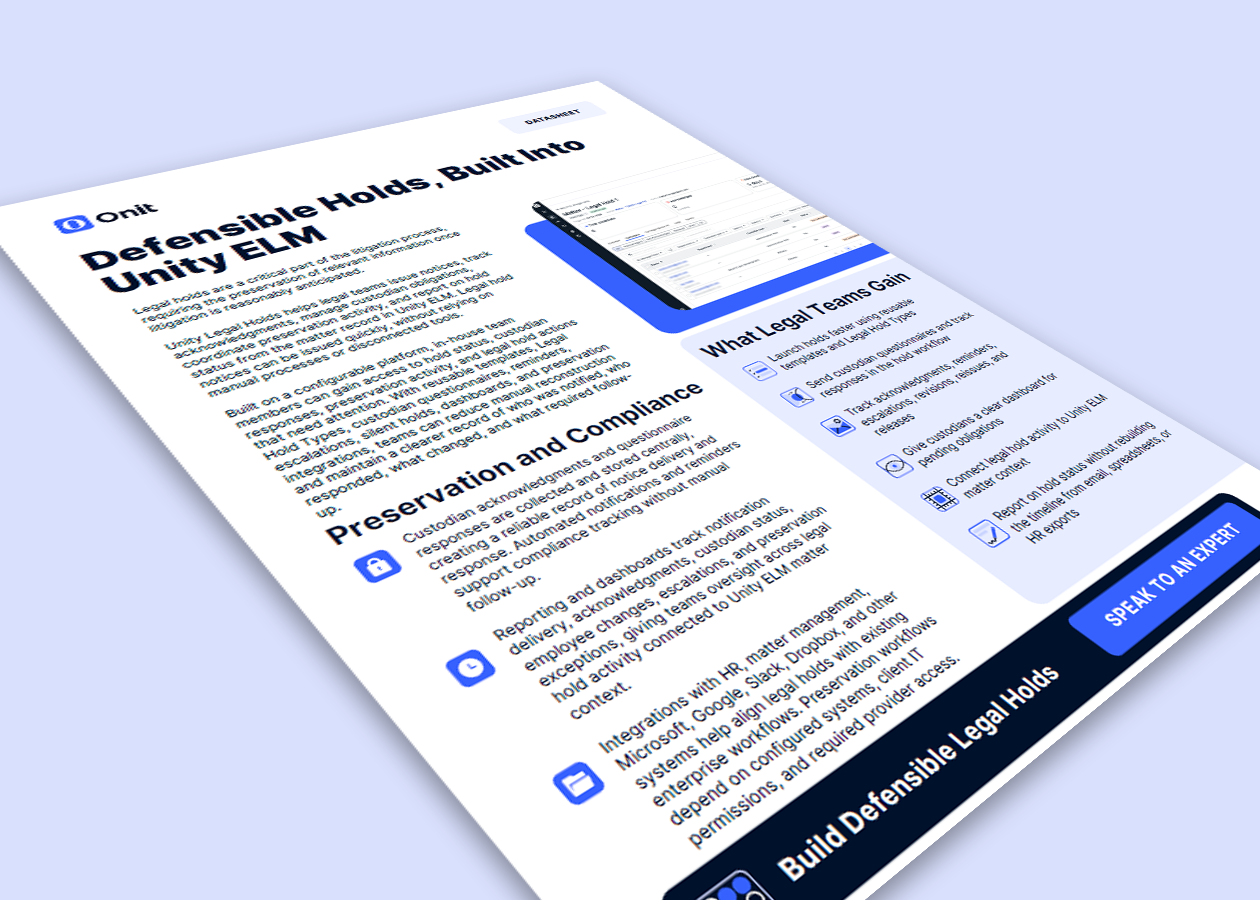
Legal holds are a critical part of the litigation process, requiring the preservation of relevant information once litigation is reasonably anticipated. Unity Legal Holds helps legal teams issue notices, track acknowledgments, manage custodian obligations, coordinate preservation activity, and report on hold status, all from the matter record in Unity ELM.

Download the datasheet to see how Unity Legal Holds helps in-house teams launch holds faster, track custodian responses, and maintain a clear, defensible record of every notice, response, and follow-up.

In this datasheet, you’ll learn about:

  • Launching holds faster using reusable templates and Legal Hold Types
  • Sending custodian questionnaires and tracking responses within the hold workflow
  • Tracking acknowledgments, reminders, escalations, revisions, reissues, and releases
  • Giving custodians a clear dashboard for pending obligations
  • Connecting legal hold activity to Unity ELM matter context
  • Reporting on hold status without rebuilding the timeline from email, spreadsheets, or HR exports
Onit MCP

Your legal system of record, accessible to your AI.


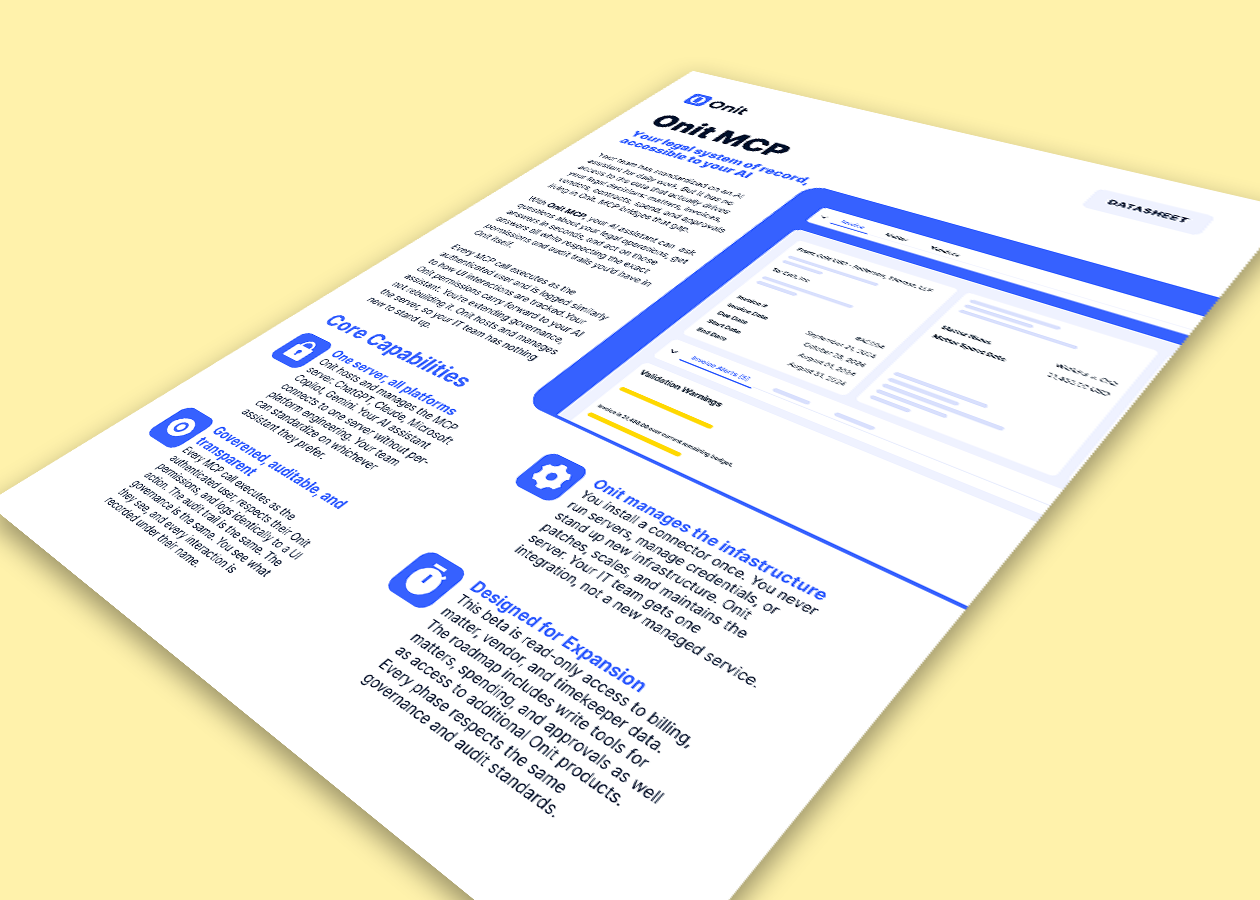
Your team has standardized on an AI assistant for daily work, but it has no access to the data that actually drives your legal decisions: matters, invoices, vendors, contracts, spend, and approvals living in Onit. Onit MCP bridges that gap, letting your AI assistant ask questions about your legal operations and get answers in seconds, all while respecting the exact permissions and audit trails you’d have in Onit itself.

Download the datasheet to see how Onit MCP connects your AI assistant to Onit data with the same governance and audit trail as a UI action, plus real example questions legal teams are already asking.

In this datasheet, you’ll learn about:

  • Connecting one server to ChatGPT, Claude, Microsoft Copilot, or Gemini without per-platform engineering
  • How every MCP call executes as the authenticated user and logs identically to a UI action
  • Why Onit hosts and manages the server, so your IT team has nothing new to stand up
  • Real questions legal teams use to review invoice activity, check billing authorizations, look up timekeepers, and find matters
  • Why read-only access protects your data today, with write tools for matters, spend, and approvals on the roadmap

Spend Agent ROI

AI-Powered Invoice Review for Legal Teams


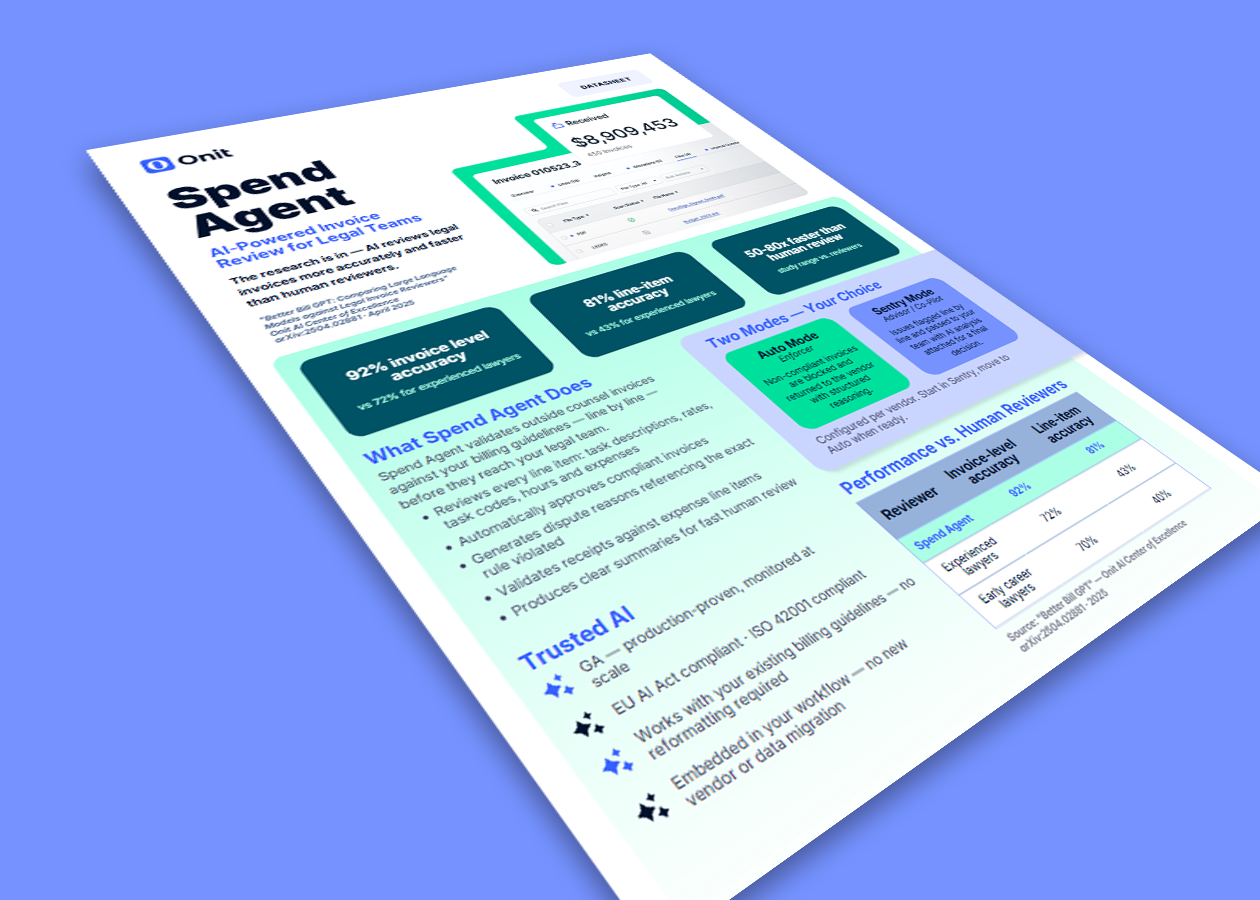
Spend Agent validates outside counsel invoices against your billing guidelines, line by line, catching issues that keyword-based invoice validation tools miss. Published research from Onit’s AI Center of Excellence shows Spend Agent reviews invoices more accurately and faster than human reviewers.

Download the datasheet to see how Spend Agent achieves 92% invoice-level accuracy and 81% line-item accuracy, 50 to 80 times faster than human review, with real invoice examples and a breakdown of how Auto and Sentry modes fit your workflow.

In this datasheet, you’ll learn about:

  • Published accuracy benchmarks (92% invoice-level, 81% line-item) compared to experienced and early-career lawyers
  • How Auto Mode and Sentry Mode give you a configurable path from human review to full automation
  • Real invoice examples showing how Spend Agent catches block billing, vague descriptions, and duplicate billing that traditional IVR tools miss
  • Compliance and deployment details, including EU AI Act and ISO 42001 compliance, with no new vendor or data migration required
  • The research behind the results, published by Onit’s AI Center of Excellence

ContractWorks Premium

Move contracts forward from first draft through renewal.


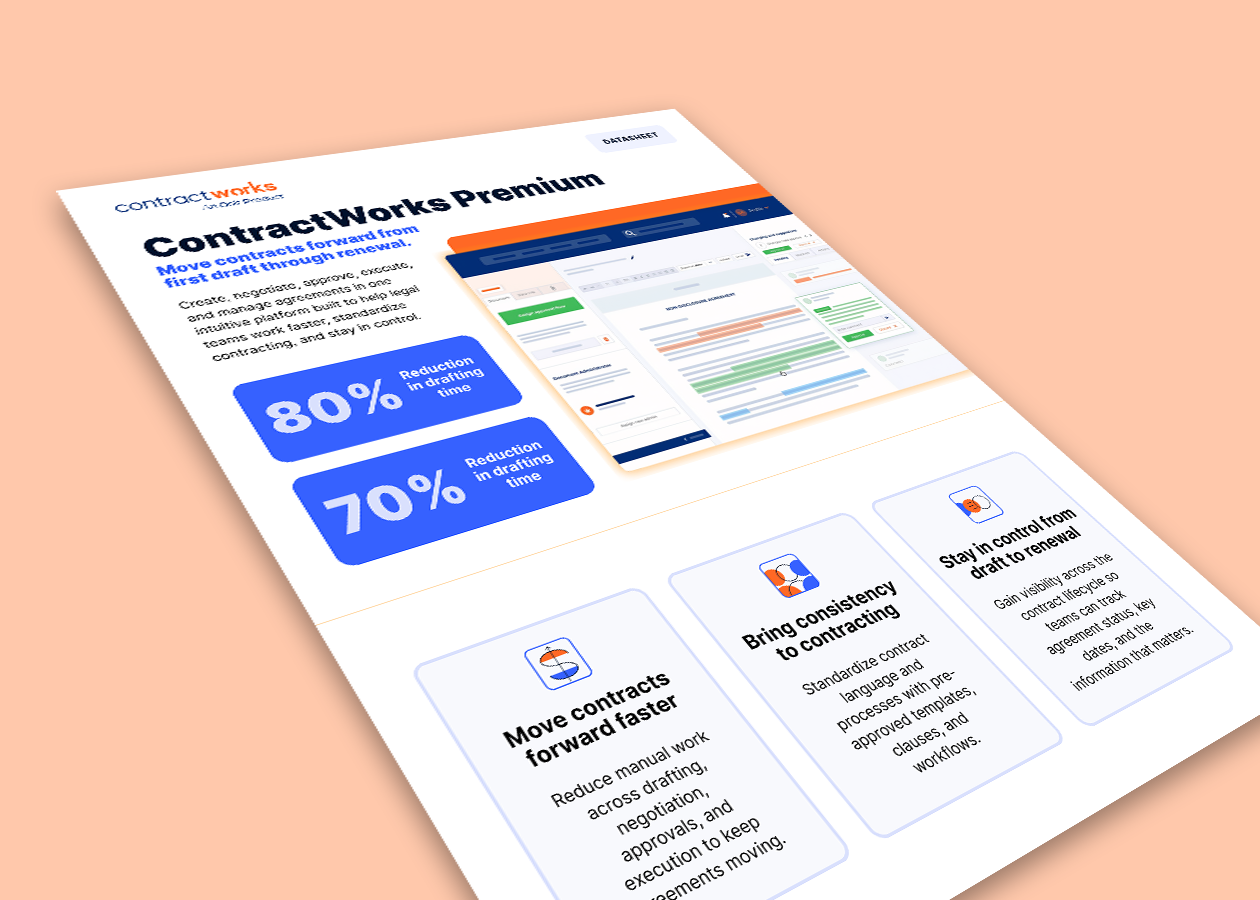
ContractWorks Premium is a contract lifecycle management platform built for legal teams that need to move faster without losing control. From drafting and negotiation through approvals, execution, and renewal, it covers the full contract lifecycle in one intuitive system.

Download the datasheet to learn how ContractWorks Premium helps legal teams reduce manual work, standardize contracting, and stay in control of every agreement from first draft through renewal.

In this datasheet, you’ll learn about:

  • Draft compliant agreements faster with pre-approved templates and automated document generation
  • Collaborate on redlines and comments in real time with full Microsoft Word compatibility
  • Route contracts through automated approval workflows with no limit on approvers
  • Track obligations, key dates, and renewals with centralized reporting and automated alerts
  • Search across contracts with OCR in-text search and flexible custom metadata

Ask Unity: Executive-Ready Legal Insight, Built Into Unity ELM

Ask. Act. Automate — conversational access to your live legal operations data.

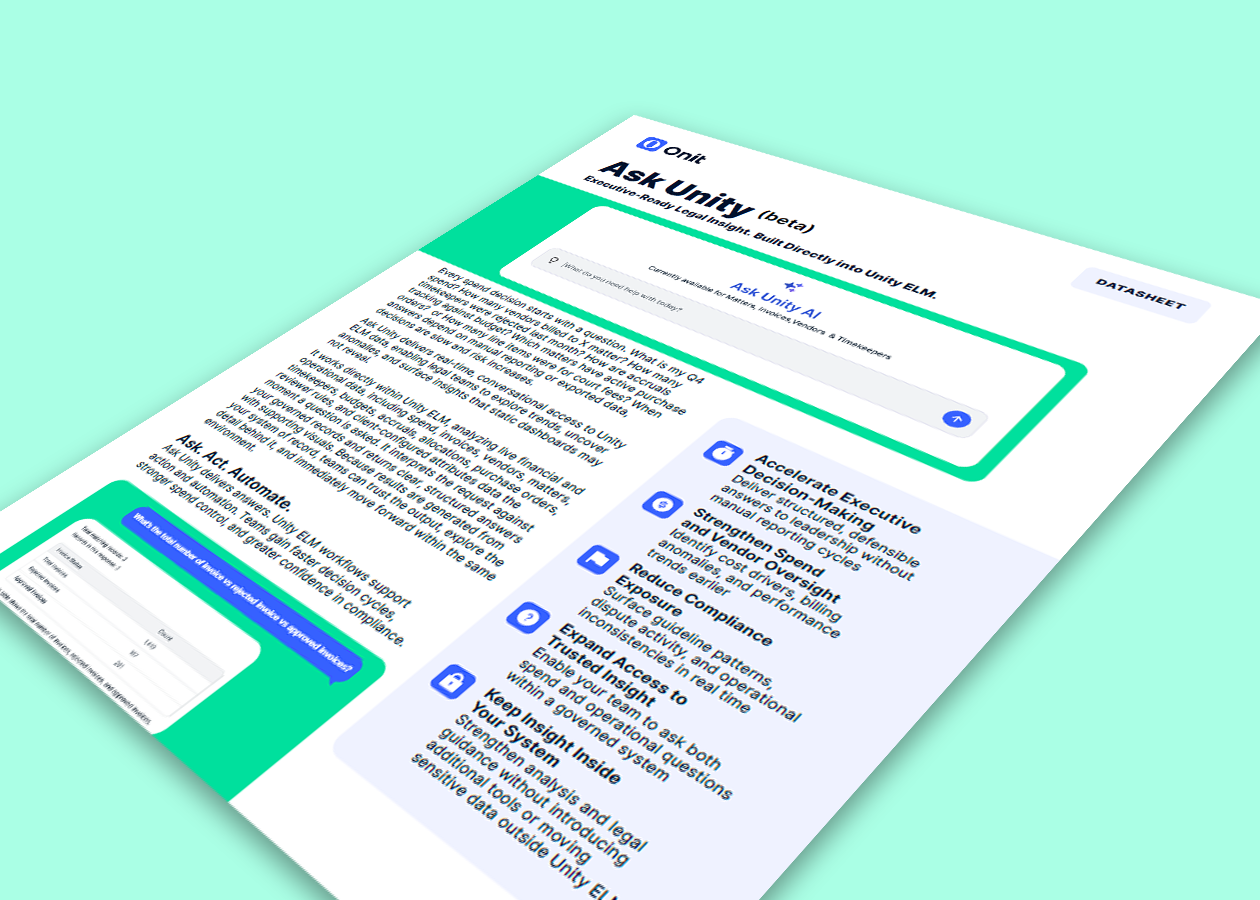
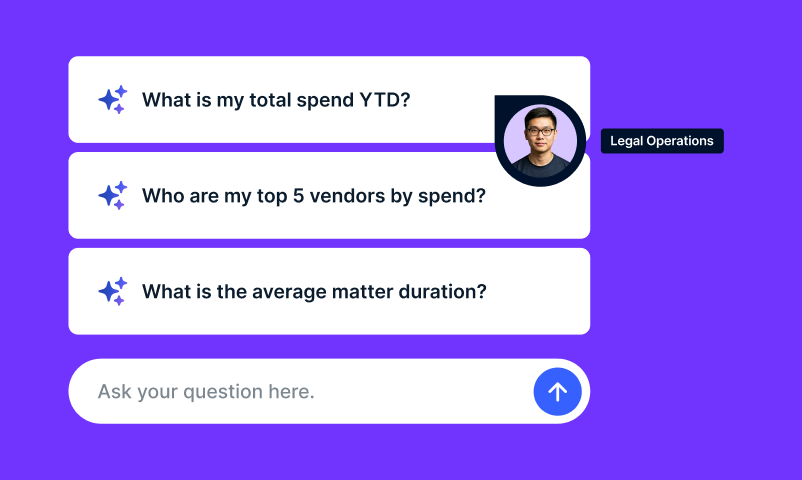
Every spend decision starts with a question Q4 spend, vendors on a matter, rejected timekeepers, accruals versus budget, open purchase orders, line items for court fees. When answers depend on manual reporting or exported data, decisions slow down and risk goes up. Ask Unity (beta) delivers real-time, conversational access to Unity ELM data, letting legal teams explore trends, uncover anomalies, and surface insights that static dashboards may miss. It analyzes live financial and operational records spend, invoices, vendors, matters, timekeepers, budgets, accruals, allocations, purchase orders, reviewer rules, and client-configured attributes and returns clear, structured answers with supporting visuals, all inside Unity ELM.

Download the datasheet to see how Ask Unity turns questions in plain language into executive-ready insight, grounded in your governed system of record and delivered without leaving Unity ELM.

In this datasheet, you’ll learn about:

  • Conversational, real-time answers over live Unity ELM financial and operational data
  • Structured, defensible responses with supporting visuals no manual reporting cycles required
  • Governed insight that respects each user’s role-based permissions and stays inside your system of record
  • Refinement prompts instead of speculative output when a question lacks clarity
  • Seamless move from insight to follow-through inside Unity ELM workflows, with no export or separate reporting tool

Unity LSR: A Smarter Legal Front Door

Faster intake, answers, and triage built for the Unity suite.

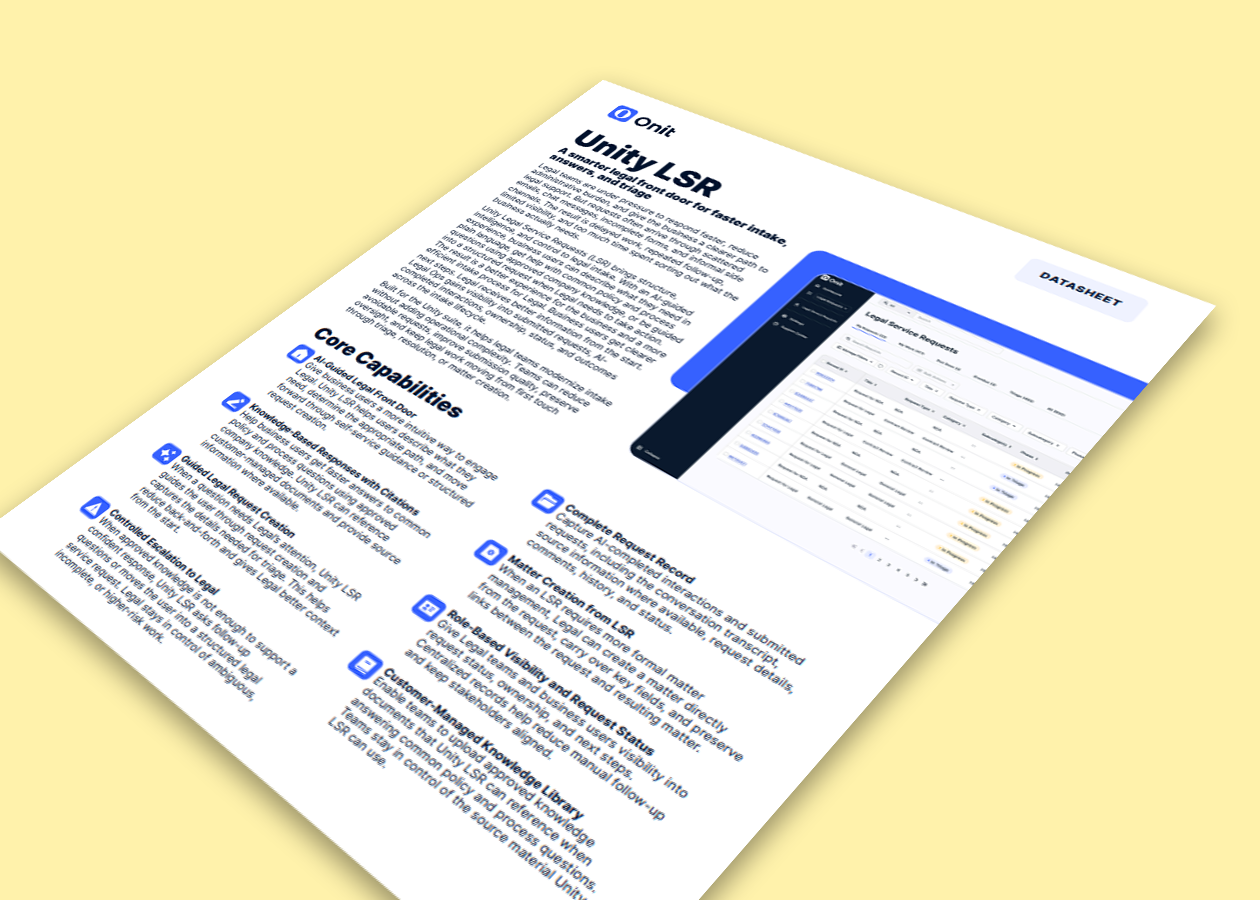
Legal teams are under pressure to respond faster, reduce administrative burden, and give the business a clearer path to legal support. But requests often arrive through scattered emails, chat messages, incomplete forms, and informal side channels. Unity Legal Service Requests (LSR) brings structure, intelligence, and control to legal intake with an AI-guided experience that helps business users get answers, submit structured requests, and track outcomes. Built for the Unity suite, Unity LSR helps legal teams modernize intake without adding operational complexity reducing avoidable requests, improving submission quality, and preserving oversight from first touch through triage, resolution, or matter creation.

Download the datasheet to see how Unity LSR combines AI-guided self-service, structured request creation, and connected matter management to help legal teams handle demand at scale.

In this datasheet, you’ll learn about:

  • An AI-guided legal front door that lets business users describe what they need in plain language and get to the right next step
  • Knowledge-based responses with citations, grounded in a customer-managed library of approved company documents
  • Guided legal request creation and controlled escalation so ambiguous or higher-risk work always moves to Legal
  • Complete request records with conversation transcripts, source information, comments, history, and status
  • Matter creation directly from an LSR, preserving continuity from intake through ongoing legal work

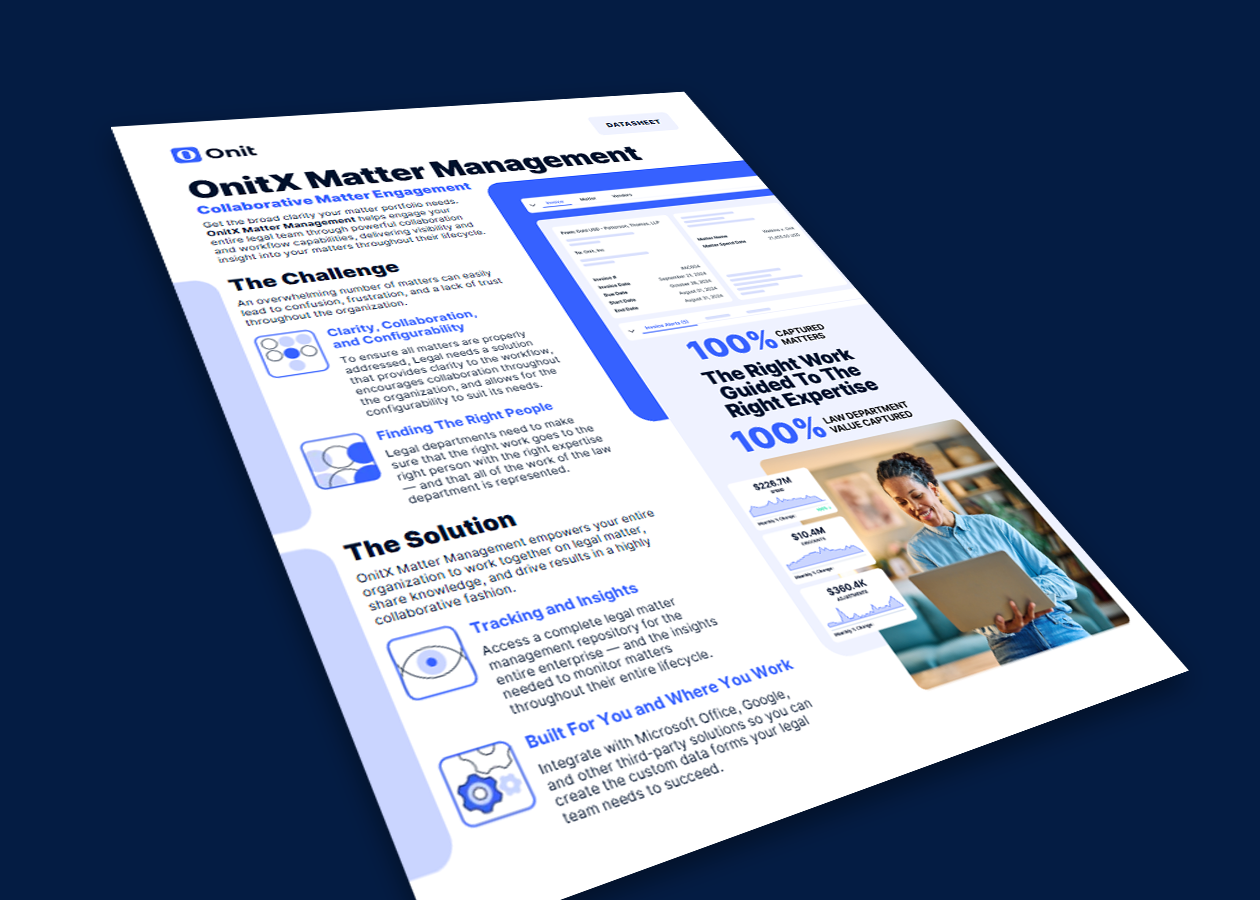
OnitX Matter Management: Collaborative Matter Engagement

Clarity, collaboration, and configurability across the matter lifecycle.

An overwhelming volume of matters can lead to confusion, duplicated work, and a lack of trust across the organization. OnitX Matter Management gives the broad clarity your matter portfolio needs, engaging your entire legal team through powerful collaboration and workflow capabilities and delivering visibility and insight into matters throughout their lifecycle. It ensures the right work is guided to the right expertise, with a configurable system of record that adapts to how your legal department operates.

Download the datasheet to see how OnitX Matter Management centralizes matter data, streamlines workflow, and delivers real-time insights across your entire legal portfolio—on a secure, enterprise-grade platform.

In this datasheet, you’ll learn about:

  • A complete legal matter management repository that captures 100% of matters and law department value
  • Real-time data and dashboards to monitor internal and external matters throughout their lifecycle
  • Configurable intake and data forms with context-sensitive and conditional data capture
  • Deep integration with Microsoft Office, Google, and third-party solutions so work happens where teams already work
  • A configured, highly secure system of record for sensitive matter information, backed by SOC II, HIPAA, and GDPR-aligned controls

Unity ELM Data as a Service

Access Unity ELM data where your business analyzes and reports.

Legal data is most valuable when it can be used alongside the rest of the business. Data as a Service gives Unity ELM customers secure, scalable access to their legal operations data, making it easier to connect Unity ELM into enterprise data warehouses and BI tools.

Download the datasheet to learn how Unity ELM Data as a Service connects legal operations data to enterprise reporting, analytics, and BI platforms your business already uses.

In this datasheet, you’ll learn about:

  • Ingest Unity ELM data into enterprise warehouses like Snowflake and RDS
  • Build dashboards and analytics in Tableau, Power BI, Excel, and other OData-compatible tools
  • Reduce reliance on manual exports, custom reports, and support tickets
  • Give internal data teams direct, governed access to legal reporting workflows
  • Complement standard Unity ELM reporting with more flexible, scalable data access

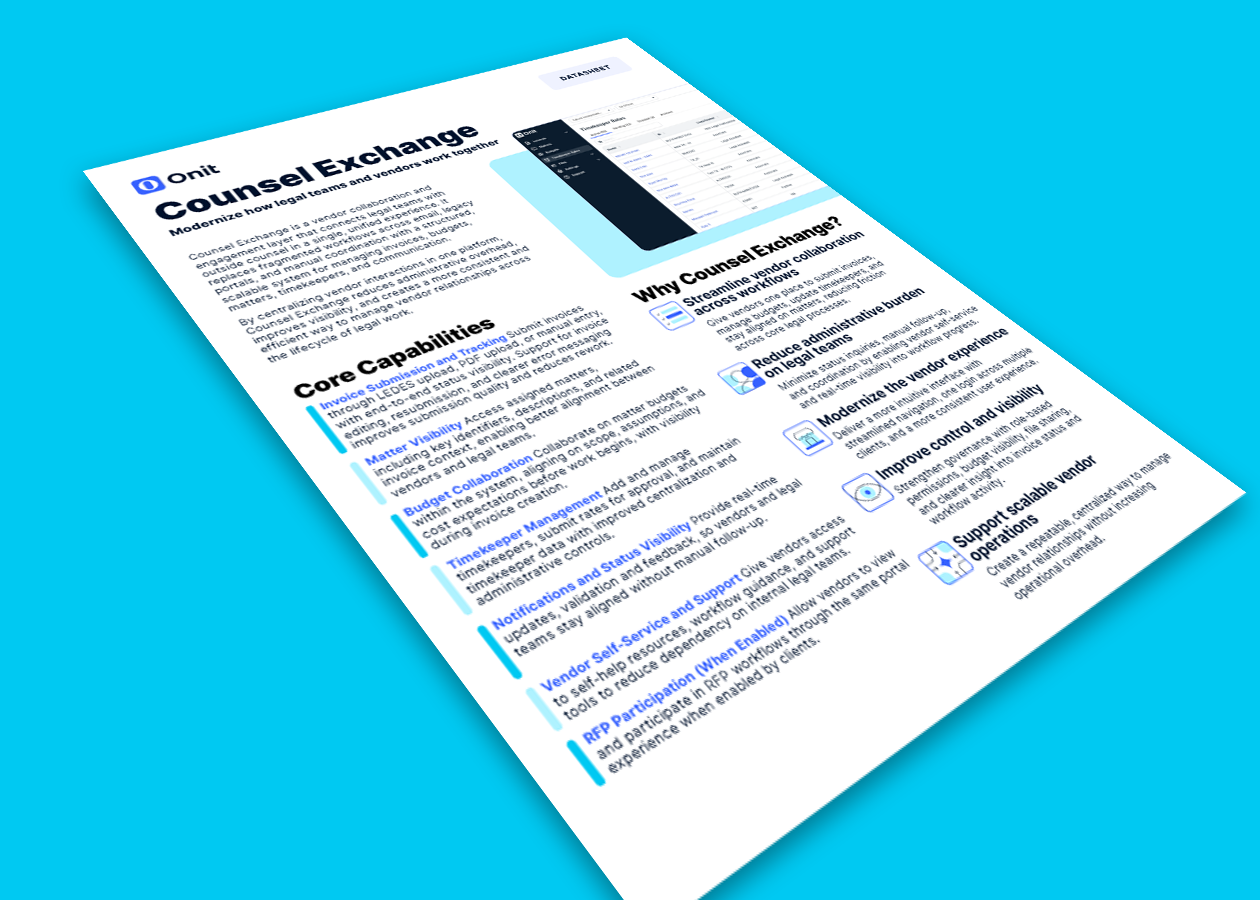
Unity ELM Counsel Exchange

A step-by-step checklist to standardize coding, reduce errors, and ensure billing compliance across your firm.

Counsel Exchange is a vendor collaboration and engagement layer built into Unity ELM that connects legal teams with outside counsel in a single, unified experience. It replaces fragmented workflows across email, legacy portals, and manual coordination with a structured system for managing invoices, budgets, matters, timekeepers, and communication.

Download the datasheet to see how Counsel Exchange helps legal teams centralize vendor interactions, reduce administrative overhead, and manage outside counsel relationships from a single platform.

In this datasheet, you’ll learn about:

  • Submit and track invoices via LEDES upload, PDF upload, or manual entry with end-to-end status visibility
  • Collaborate on matter budgets before work begins to align on scope and cost expectations
  • Manage timekeepers, submit rates for approval, and maintain data with centralized controls
  • Enable vendor self-service with role-based permissions, file sharing, workflow guidance, and real-time notifications
  • Support RFP participation through the same portal experience when enabled by client

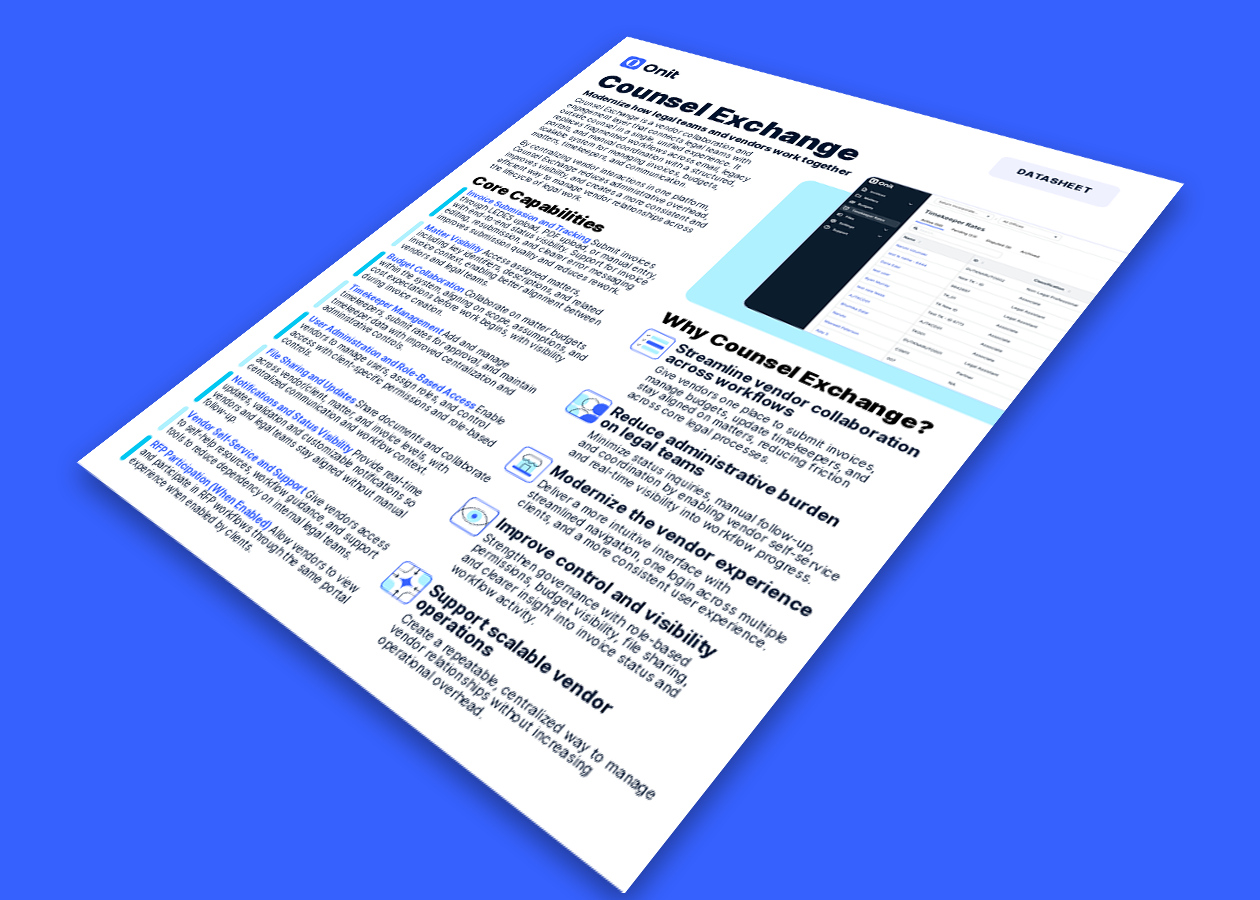
OnitX ELM Counsel Exchange

Modernize how legal teams and outside counsel work together.

Counsel Exchange is a vendor collaboration and engagement layer built into OnitX ELM that connects legal teams with outside counsel in a single, unified experience. It replaces fragmented workflows across email, legacy portals, and manual coordination with a structured system for managing invoices, budgets, matters, timekeepers, and communication.

Download the datasheet to see how Counsel Exchange helps legal teams centralize vendor interactions, reduce administrative overhead, and manage outside counsel relationships from a single platform.

In this datasheet, you’ll learn about:

  • Submit and track invoices via LEDES upload, PDF upload, or manual entry with end-to-end status visibility
  • Collaborate on matter budgets before work begins to align on scope and cost expectations
  • Manage timekeepers, submit rates for approval, and maintain data with centralized controls
  • Enable vendor self-service with role-based access controls, file sharing, workflow guidance, and real-time notifications
  • Support RFP participation through the same portal experience when enabled by clients