SOLUTIONS
BY INDUSTRY

ReadySign
Keep business moving forward with ReadySign, simple eSignature software integrated for your entire team, and within ContractWorks


Complete everyday tasks faster and guarantee accuracy. Custom forms ensure you collect the data you need using drop-down menus, date fields, and yes/no questions to ensure your information is consistent every time. Take it a step further and turn standard documents — including NDAs, sales orders, and release forms — into an accurately formatted templates for reuse.

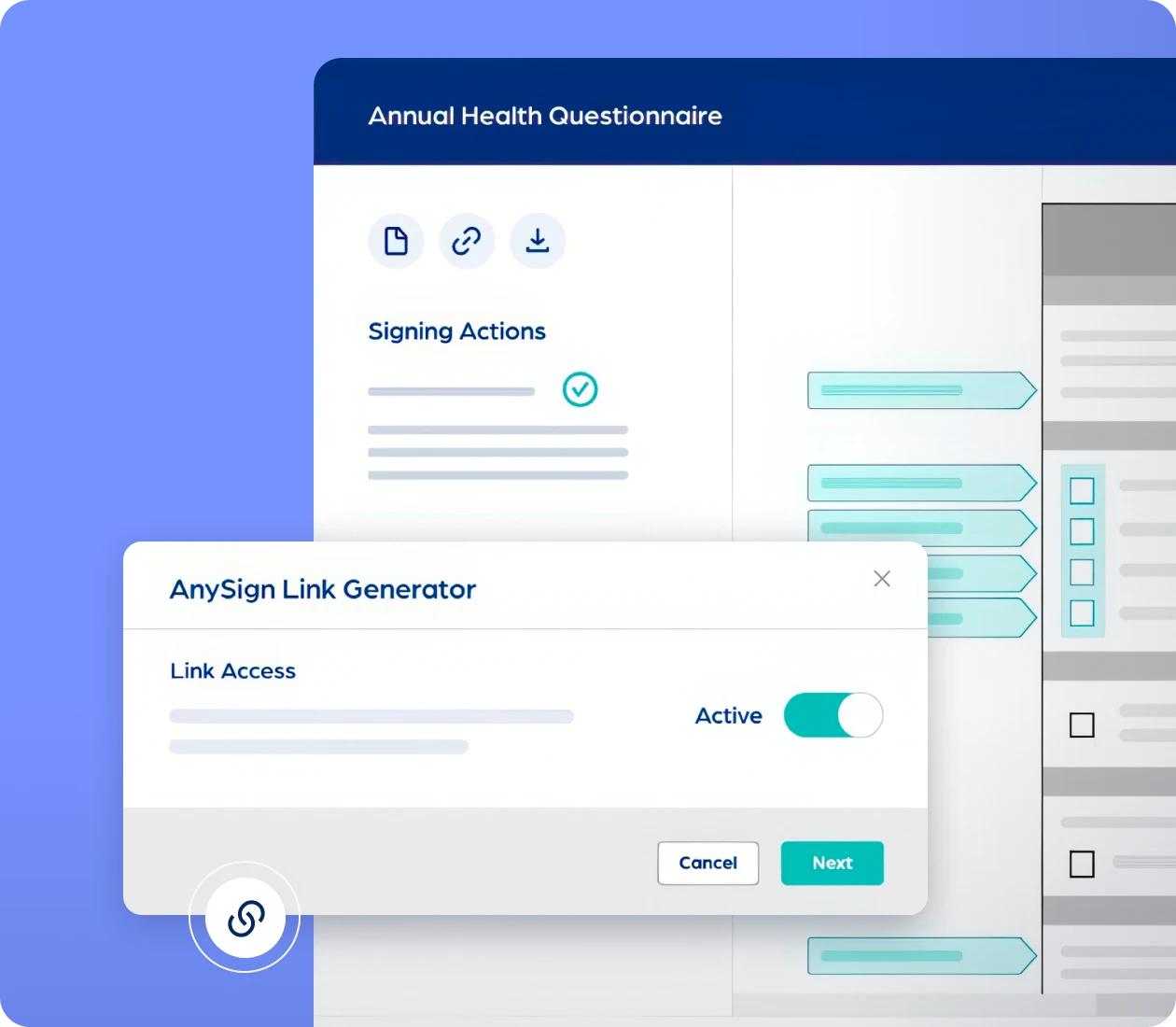
Eliminate document prep time and streamline getting signatures back on frequent-use documents like NDAs, activity waivers, and release forms. Facilitate on-demand forms and signatures by creating an AnySign link for your website or email, allowing signers to self-initiate forms.

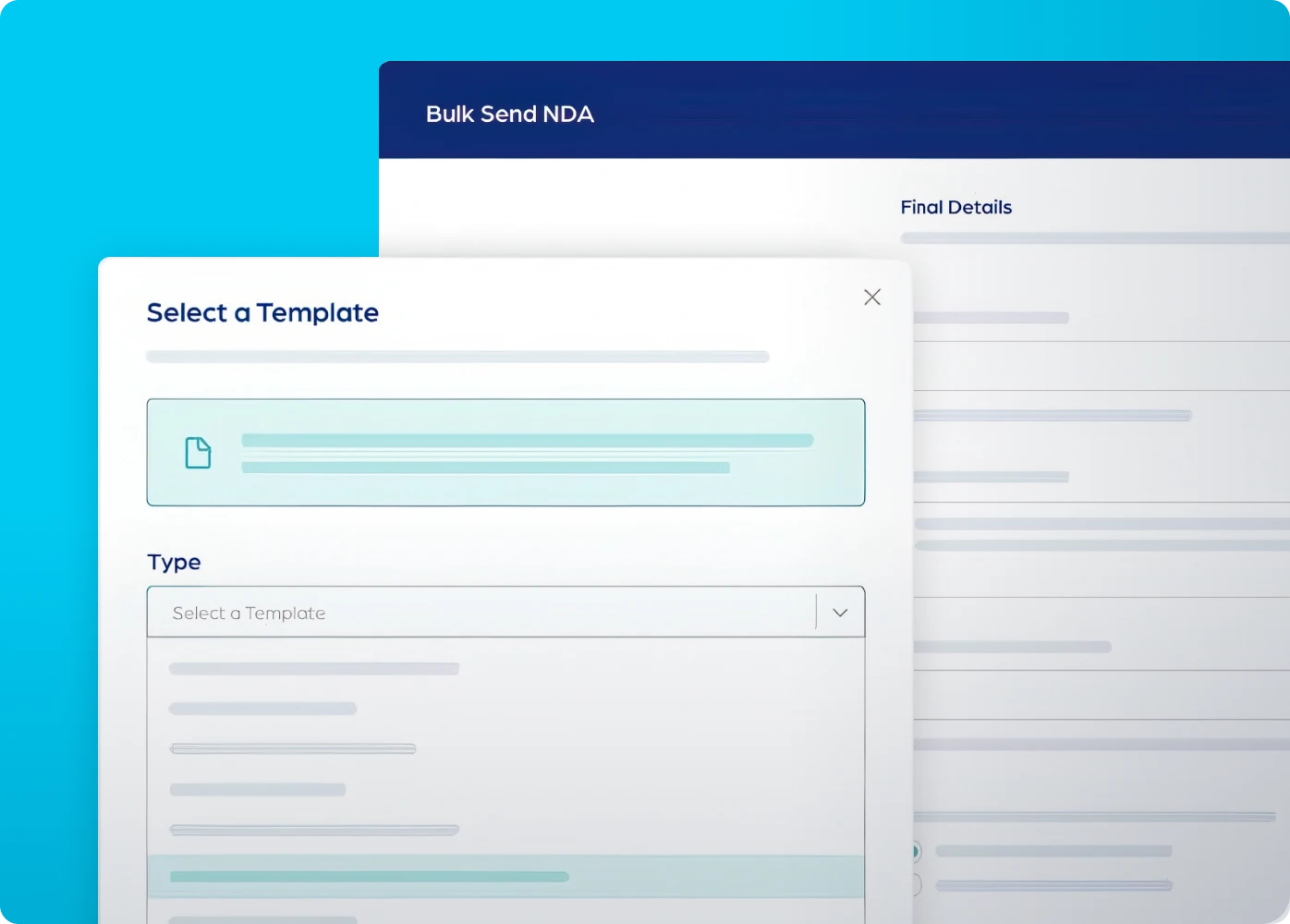
Effortlessly share documents en masse with a single click. Bulk send saves you time by allowing you to send personalized copies of the same document to multiple recipients at once — ideal for policy acknowledgments, consent forms, or annual disclosures.


We believe in honest, transparent pricing. With ReadySign, you pay one fixed cost for unlimited documents, unlimited signatures, and all of our features- you’ll never need to worry about unexpected costs or penalties.
Includes 10 users, unlimited documents, and unlimited signers. Add users for $100 per user per year.
Includes 40 users, unlimited documents, and unlimited signers. Add users for $25 per user per year.
Includes 100 users, unlimited documents, and unlimited signers. Add users for $50 per user per year.
Click the button to access your account now.
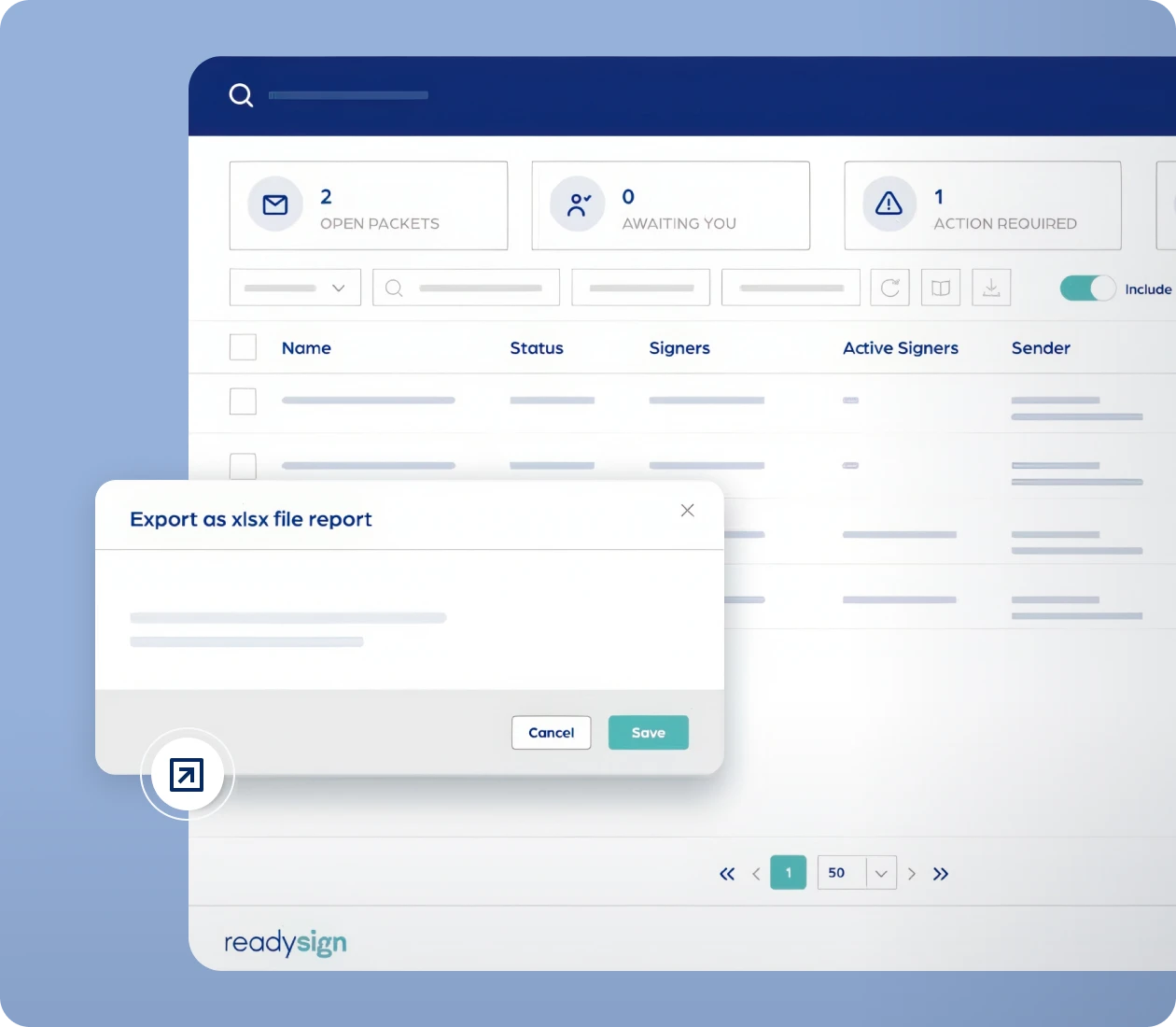
Maintain visibility of outstanding and completed documents in your one-stop hub to manage everything related to eSign. Quickly filter, view, and export key eSign data, send out packets, generate AnySign links, and cancel or remind signers about existing packets — all from one easy access location.
Keep on top of your tasks and notifications with automated messages alerting users to their outstanding signature requirements. Push reminders to signers whenever you need them — keep your workflow moving without wasting time chasing signatures.

Allow signers to easily form their unique signature. ReadySign provides multiple ways for recipients to customize their signatures — such as uploading an image, selecting a pre-provided font, or drawing a signature directly on screen — to maintain brand consistency and meet signer preference.
Stay in control of your documents
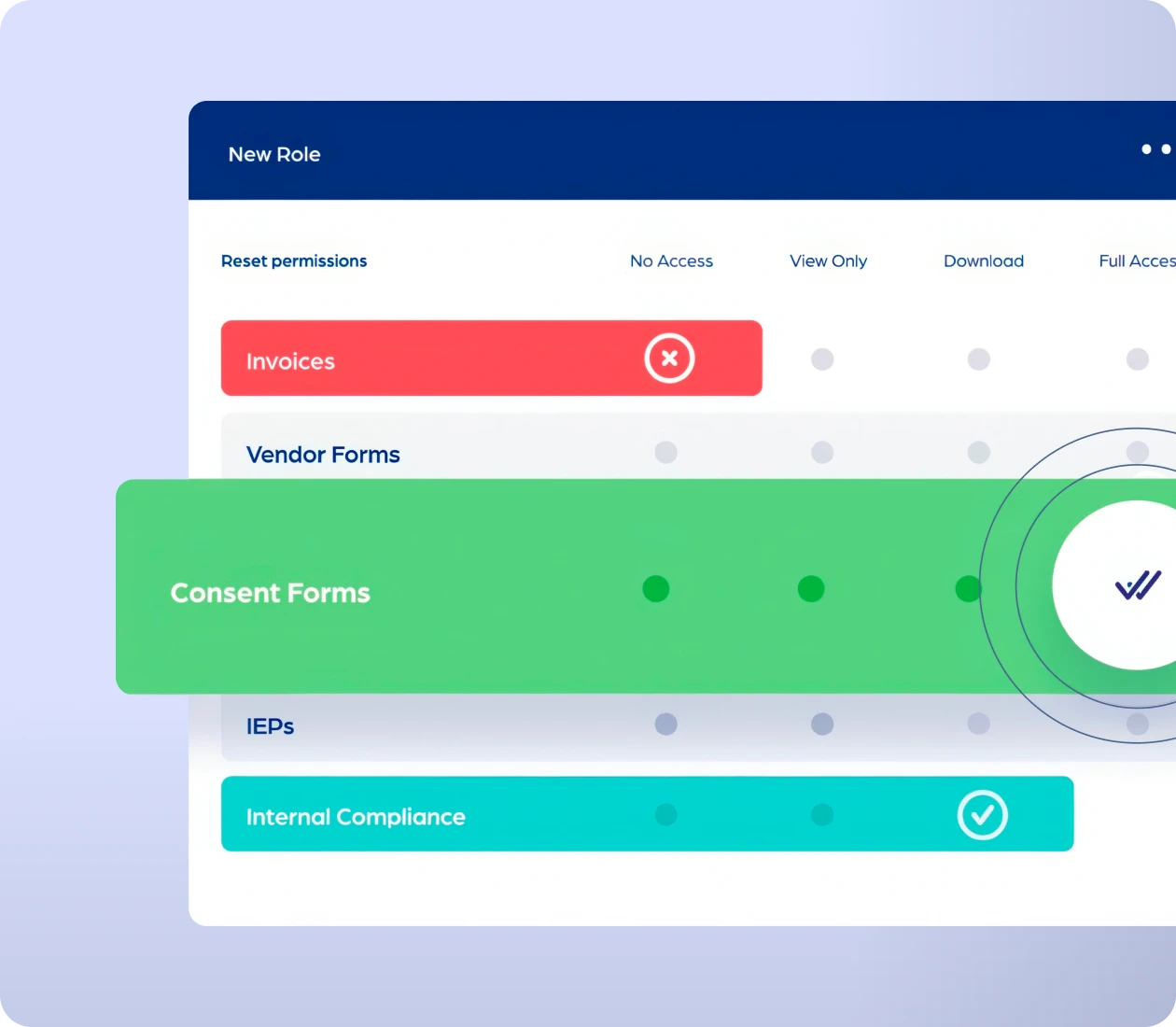
Stay in control of your information. Every ReadySign account includes administrator-controlled access to documents and folders with role-based permissions for individual users, teams, or whole departments. Add, remove, or customize permissions and monitor a full audit log of activity.
File and share documents securely. ReadySign comes with robust document management to keep your data safe, organized, and accessible. Drag and drop unlimited documents and folders into your central document repository, automatically file signed documents, and take control of your information.

Protect your data with advanced security measures built-in. ReadySign utilizes AWS Data Centers and data encryption and includes multi-factor authentication, audit-trail tracking, and strict adherence to SOC 2 Type 2 standards.

ReadySign is the simple, low-cost eSignature solution to get your documents signed and filed on time — no more chasing signatures.
Send and sign documents up to 80% faster than paper.

Complies with UETA and ESIGN Acts; signatures are legally binding.

Reduces paper, postage, and printing costs while being eco-friendly.

Close deals faster and provide a streamlined signing experience.

Create, save, and send standard and custom NDAs whenever you need them.

Send invoices for signing and keep tabs on important financial documents.

Sign, store, and track vendor agreements, forms, and applications.

Get approvals and sign off on procedural documents, training compliance, and more.

Complete and sign offer letters, onboarding forms, and HR documents securely.

Compliant signing for IEPs, ARDs, and other education and school documents.

Conveniently complete consent forms from a computer or mobile device.







ReadySign is built with the security and enforceability of your documents and signatures in mind. We’ve taken every measure to ensure your data is protected, and your electronic signatures are recognized as valid under the United States Electronic Signatures in Global and National Commerce Act and the Uniform Electronic Transactions Act.
With a SOC 2, Type 2 report, ReadySign maintains its adherence to one of the most stringent, industry-accepted auditing standards for service companies. SOC 2 audit reports focus on a service organization’s non-financial reporting controls as they relate to security, availability, confidentiality, processing integrity, and privacy.
ReadySign user roles and administrative levels are designed to give teams complete control over data access and permissions. Administrators can define and manage user-level permissions for each individual invited into the system.
ReadySign automatically tracks all account activity, providing complete visibility into who Commented [KM5]: We should link to this accessed or modified a document and when. Administrators can export reports or have them delivered by email at regular intervals.
All ReadySign data is encrypted at rest and in transit. Every connection uses TLS 1.2 with AES256-bit encryption, and passwords are hashed and salted using Bcrypt for maximum security.
ReadySign supports SAML 2.0-based Single Sign-On to integrate easily with enterprise identity management systems such as Microsoft Active Directory, Okta, and OneLogin.
Adds an extra layer of protection by requiring users to verify identity using either SMS codes or authentication apps, like Google Authenticator, before accessing the system.
Have questions about ReadySign? Here’s everything you need to know.
An electronic signature is a digital version of a signature used to signify consent, while a digital signature uses certificate-based IDs to verify validity.
No. Recipients don’t need an account. They receive an email link to sign electronically.
Log in, upload your document, add recipient emails, drag and drop signature fields, and send for signing via email.
Yes. Electronic signatures are recognized as legally binding.
Yes. ReadySign is mobile-optimized for both document setup and signing on mobile.
Yes. ReadySign employs 256-bit SSL encryption in transit and at rest, with ISO 27001-certified data centers in the US and EU. Security features include multi-factor authentication (MFA), Single Sign-On (SSO), detailed user access control, and audit tracking.
Move documents from send to signed to stored in minutes, not days.