Legal hold processes often span multiple people, systems, and sources of information. Matter details live in one place, custodian information in another, while acknowledgments and follow-up may still be tracked through email.
Those gaps can make it difficult to know what’s been completed, what still needs attention, and even harder to reconstruct what happened after the fact.
Join Matt DenOuden and Jeffrey Solomon for a discussion on how legal teams can build a more consistent, connected approach to managing legal holds from initial notice through release.
You’ll learn how to:
Identify common gaps across the legal hold process
Keep custodian information and obligations current as matters evolve
Build consistency across notices, acknowledgments, reminders, and escalations
Improve visibility across matter, custodian, and preservation activity
Reduce manual follow-up while maintaining accountability
This webinar is designed for Legal Ops and in-house legal teams looking to strengthen legal hold processes, improve visibility, and reduce the administrative burden of managing holds.
When legal work starts in email, chat, or inconsistent request processes, it becomes harder to route work efficiently, track progress, and understand what’s coming into the department.
OnitX helps legal teams create a more structured intake experience, giving business users an easier way to request legal support while giving Legal Ops greater control and visibility behind the scenes.
Want to see how it works?
Join us for a 20-minute session to see how legal teams can:
Create a centralized front door for legal requests with guided, configurable intake experiences
Capture the right information upfront and route requests to the appropriate teams and stakeholders
Manage requests from intake through resolution with assignments, status tracking, activity, and automated workflows
Turn requests into matters when needed while carrying key information into the matter
Gain visibility into request volume, workload, status, and trends with reporting and dashboards
See how a more structured approach to intake can reduce manual coordination, improve the experience for business users, and give Legal Ops greater visibility into the work coming their way.
Legal teams have more data than ever across matters, invoices, budgets, vendors, and outside counsel. But when answering a simple question requires pulling reports, reconciling spreadsheets, or digging through disconnected data, insights come too late.
Reporting should make it easier to understand what is happening across legal operations and act on it with confidence.
Join us for a demo of Unity ELM Reporting and Analytics and see how legal teams can:
Track legal spend across matters, vendors, practice areas, and timekeepers
Monitor budgets, accruals, actuals, rates, and adjustments in one place
Filter and explore reporting data to uncover the trends that matter most
Use Ask Unity to get answers from spend data and turn results into visualizations
Give Legal and Finance clearer, more consistent visibility into legal operations
This is how legal teams move from manually assembling reports to getting the insights they need to make faster, more informed decisions.
Legal teams need accurate spend data, clear workflows, and answers they can use right away. The August Product Launch strengthens the work behind those outcomes.
Launching today, these enhancements help teams manage legal spend, review invoices, work with outside counsel, route legal requests, and turn contract data into action.
Unity ELM: More control over legal spend workflows
Pro Forma Invoicing
Resolve invoice changes before they become final
Tax-sensitive invoices can create unnecessary rework when issues surface after the final invoice or tax document has been issued.
Unity ELM Pro Forma Invoicing gives your team a controlled way to review and adjust eligible invoices before finalization. Once the review is complete, the vendor can finalize the invoice and provide the required Government Invoice ID.
Key highlights
Review and adjust eligible invoices before finalization.
Support VAT- and tax-sensitive invoice workflows.
Maintain a documented history of client adjustments, vendor reconciliation, approvals, and final invoice details.
Add an optional secondary internal approval step while your team validates the process.
Reduce post-finalization rework for Legal and outside counsel.
The result: Your team can resolve billing changes while they are still practical to address, with a clearer path from review through final invoice and payment.
Clearer invoice and timekeeper context
Small workflow improvements can make a meaningful difference when your team is reviewing high invoice volume.
Key highlights
View invoice-level taxes and discounts more clearly.
See additional purchase-order detail directly from the invoice.
Review approval steps with reviewer details expanded by default.
View legal entity codes in matter allocations.
Open dashboard invoice links in the actionable My Invoices experience.
See when an approved timekeeper rate expires and when a future rate takes effect.
The benefit for your team: Less navigation and fewer manual lookups when reviewing invoices, approvals, allocations, and timekeeper rates.
Ask Unity: Expanded data access and product guidance
Get answers from more of your Unity ELM data, in the flow of work
A question about spend should not require a new report, a spreadsheet, or a wait for someone to pull the numbers.
Ask Unity now expands beyond invoice and spend analysis to include additional Unity ELM datasets. Users can ask questions in plain language about:
Budgets
Accruals
Matter allocations
Purchase orders
Invoice reviewer rules
Client-configured custom attributes
Ask Unity remains available on Unity pages, so users can investigate an issue without leaving the matter, invoice, or workflow they are reviewing. It also provides product guidance and a path to Support when self-service is not enough.
Key highlights
Compare budgets, accrued amounts, and final spend.
Explore matter allocations and purchase-order activity.
Understand which invoice reviewer rules apply to a vendor.
Analyze client-configured data alongside standard Unity ELM data.
Access Ask Unity through the persistent in-page chat experience.
Save page-level conversations to Ask Unity history.
Get product guidance and escalate to Support from the same conversation.
The result: Legal and Finance can answer more operational questions from the Unity ELM system of record, without switching between reports, spreadsheets, and support channels.
Spend Agent: More context and control for AI invoice review
Auto Adjustments
Move from identifying a variance to assessing its financial impact
Finding a billing issue is only the first step. Your team also needs to know what the issue means financially and decide how to act.
Spend Agent Auto Adjustments calculate a recommended monetary adjustment when Spend Agent identifies line-item violations. Reviewers can see the original amount, the issue, the relevant billing guidance, and the recommended adjustment together.
Key highlights
Calculate a recommended monetary adjustment for line-item violations.
Review the evidence and billing guidance behind each recommendation.
Use Sentry mode when a reviewer should approve or reject the recommendation.
Use Auto mode for qualifying invoices when automated action fits your operating model.
Enable or disable adjustments by vendor while continuing to use Spend Agent insights.
Override a recommended adjustment with a manual adjustment when needed.
The benefit for your team: Spend less time calculating clear-cut adjustments and more time focused on the exceptions that require judgment.
Matter-level engagement documents
General billing guidelines do not always capture the terms of a specific engagement.
Matter-level engagement documents give Spend Agent the context of the matter and vendor under review. Add engagement letters, billing guidelines, rate agreements, fee arrangements, and other relevant documents so invoice review reflects the terms that apply to that engagement.
Key highlights
Include matter-specific agreements and exceptions in invoice review.
Use more than one relevant document for a matter and vendor.
Prioritize matter-level terms when they conflict with general vendor billing guidelines.
Add PDF email correspondence when it contains terms relevant to review.
The result: Invoice review reflects the agreement for the engagement, not just a general vendor policy.
Unity RFP: Connect vendor selection to matter execution
RFP-to-Matter Integration
Vendor selection should not create a second round of data entry.
Unity RFP now connects sourcing decisions to the matter and budget workflows that follow. Link an RFP to an existing matter, create a new matter during setup, or initiate an RFP from the Matter vendor tab.
Key highlights
Transfer the approved RFP total to the related matter as its budget.
Capture budget start and end dates during RFP setup and proposal approval.
Transfer winning rates and fees into Matter Management.
Add the selected vendor to the matter after proposal approval.
Reduce duplicate data entry between sourcing and matter execution.
The benefit for your team: Preserve negotiated value and move from vendor selection to matter execution with less administrative work.
Engagement letters
Create clearer expectations before outside counsel begins work.
Key highlights
Draft engagement letters in the RFP editor or upload a file.
Add letters during RFP setup, while responses are in progress, or when approving a proposal.
Send engagement letters to selected vendors for acknowledgment.
Preserve engagement letters when an RFP is saved as a template.
The result: More consistent engagement terms and a clearer record that selected firms received and acknowledged them.
Business users need a simple way to get the right request to Legal. Legal needs enough context to route it well.
Unity LSR adds five legal-specific request types:
Employment
Intellectual Property
Product Legal Review
Insurance
Legal Operations
Each request type is available through both form-based and chat-based intake. Preconfigured fields and seeded, admin-editable picklists help capture the information Legal needs from the start.
Key highlights
Give business users clearer choices than a general legal question.
Collect domain-relevant information for Employment, Intellectual Property, Product Legal Review, Insurance, and Legal Operations requests.
Use Request Agent to support classification and required-field collection.
Vendors need a simple way to submit invoices, budgets, rates, and other information accurately. Legal teams need fewer avoidable errors and less rework.
Counsel Exchange enhancements improve the day-to-day experience for law firms and vendors.
Key highlights
See more invoice line-item detail and customize grid views.
Interpret validation messages and warnings more easily.
Support clearer error handling and bulk invoice-submission workflows.
Refine timekeeper and rate-management workflows with additional filters.
Review selected budgets before bulk submission.
Filter and navigate matter budgets by date range and page.
Protect in-progress work with an unsaved-changes prompt.
Access Support Assistant, hashes, API keys, and system announcements more easily.
The benefit for your team: Cleaner submissions, faster corrections, and less friction across the e-Billing process.
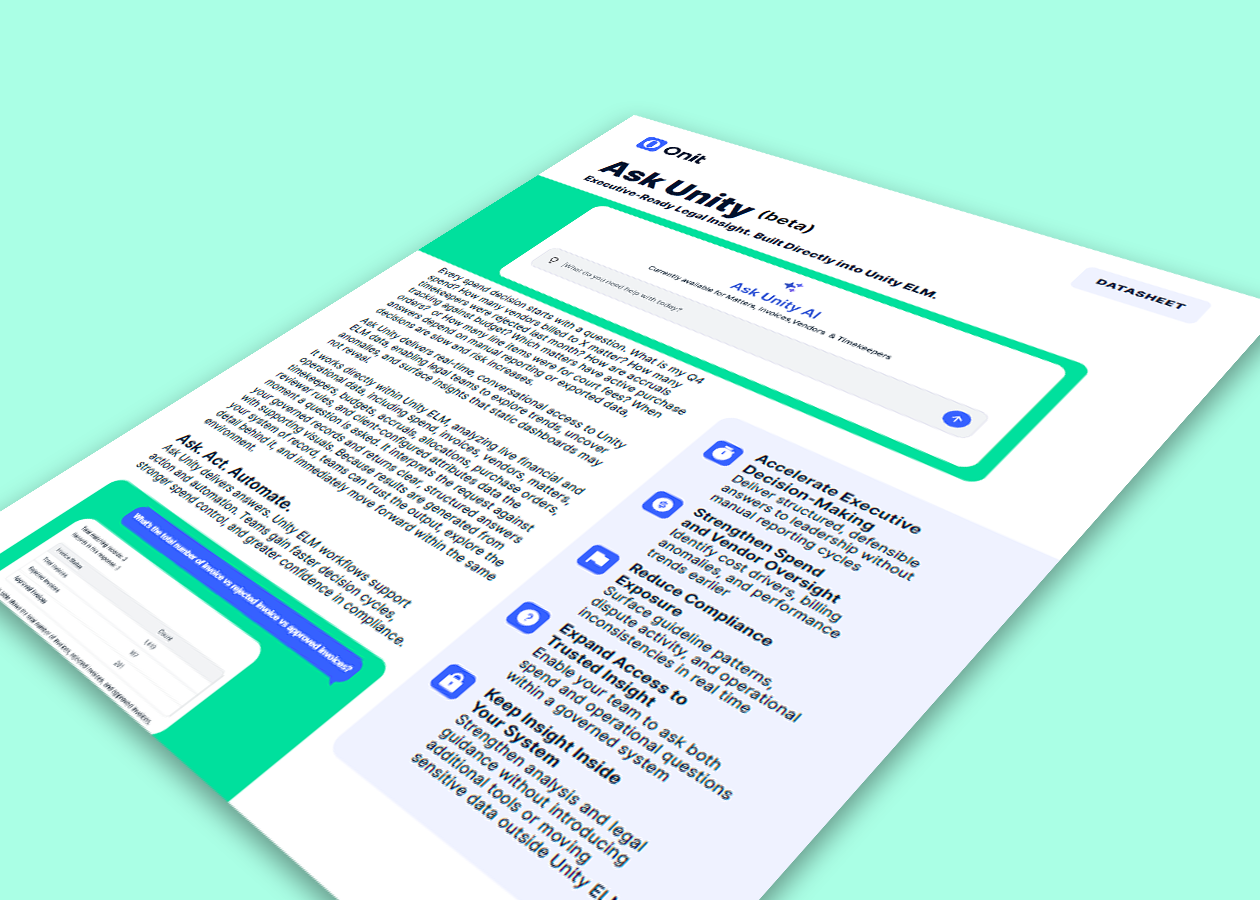
Ask. Act. Automate — conversational access to your live legal operations data.
Every spend decision starts with a question Q4 spend, vendors on a matter, rejected timekeepers, accruals versus budget, open purchase orders, line items for court fees. When answers depend on manual reporting or exported data, decisions slow down and risk goes up. Ask Unity (beta) delivers real-time, conversational access to Unity ELM data, letting legal teams explore trends, uncover anomalies, and surface insights that static dashboards may miss. It analyzes live financial and operational records spend, invoices, vendors, matters, timekeepers, budgets, accruals, allocations, purchase orders, reviewer rules, and client-configured attributes and returns clear, structured answers with supporting visuals, all inside Unity ELM.
Download the datasheet to see how Ask Unity turns questions in plain language into executive-ready insight, grounded in your governed system of record and delivered without leaving Unity ELM.
In this datasheet, you’ll learn about:
Conversational, real-time answers over live Unity ELM financial and operational data
Structured, defensible responses with supporting visuals no manual reporting cycles required
Governed insight that respects each user’s role-based permissions and stays inside your system of record
Refinement prompts instead of speculative output when a question lacks clarity
Seamless move from insight to follow-through inside Unity ELM workflows, with no export or separate reporting tool
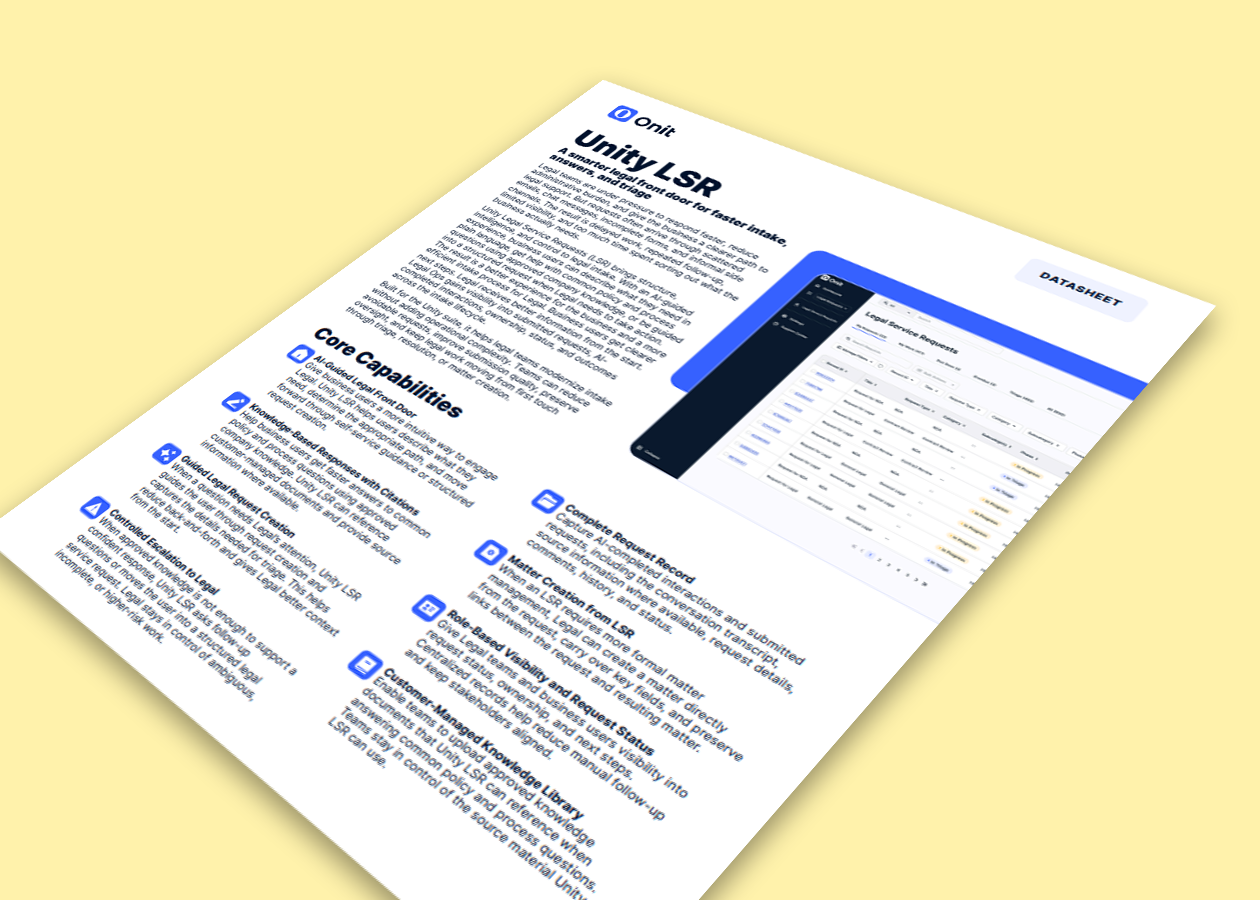
Faster intake, answers, and triage built for the Unity suite.
Legal teams are under pressure to respond faster, reduce administrative burden, and give the business a clearer path to legal support. But requests often arrive through scattered emails, chat messages, incomplete forms, and informal side channels. Unity Legal Service Requests (LSR) brings structure, intelligence, and control to legal intake with an AI-guided experience that helps business users get answers, submit structured requests, and track outcomes. Built for the Unity suite, Unity LSR helps legal teams modernize intake without adding operational complexity reducing avoidable requests, improving submission quality, and preserving oversight from first touch through triage, resolution, or matter creation.
Download the datasheet to see how Unity LSR combines AI-guided self-service, structured request creation, and connected matter management to help legal teams handle demand at scale.
In this datasheet, you’ll learn about:
An AI-guided legal front door that lets business users describe what they need in plain language and get to the right next step
Knowledge-based responses with citations, grounded in a customer-managed library of approved company documents
Guided legal request creation and controlled escalation so ambiguous or higher-risk work always moves to Legal
Complete request records with conversation transcripts, source information, comments, history, and status
Matter creation directly from an LSR, preserving continuity from intake through ongoing legal work
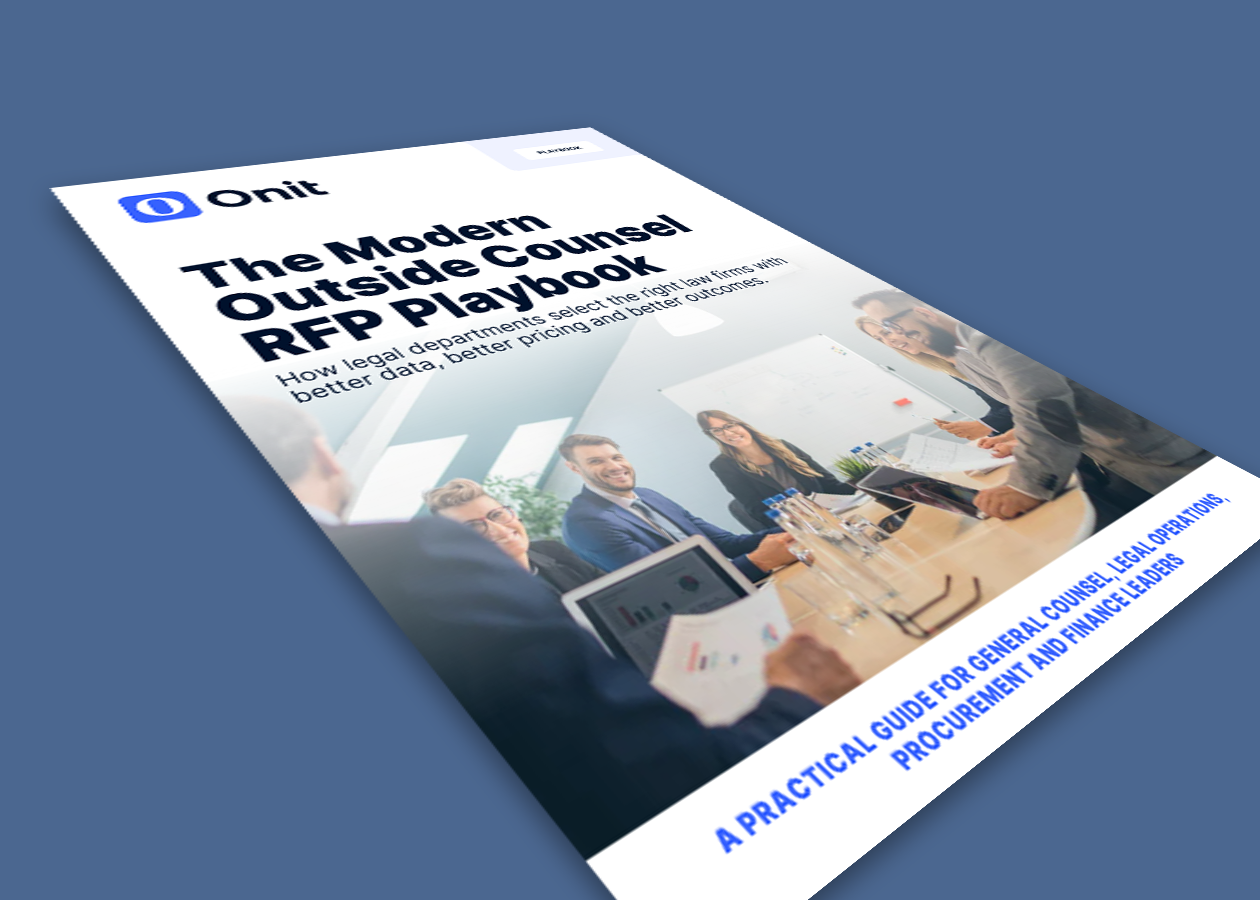
How legal departments select the right law firms with better data, better pricing and better outcomes.
Outside counsel is one of the largest controllable line items in most legal budgets, yet many teams still choose firms the way they did a decade ago: relationships, familiar names and spreadsheets buried in email. That approach is getting more scrutiny as finance, procurement and executive leadership ask for more visibility, more predictability and more proof of value.
This playbook lays out a practical framework for modernizing outside counsel sourcing without losing the relationships and legal judgment that drive every engagement. Whether you’re selecting counsel for a single high-stakes matter or refreshing a full preferred panel, you’ll get the structure, worksheets and checklists your team needs to make more informed, transparent and repeatable decisions.
In This Playbook, You’ll Learn:
When an RFP earns its keep and when to skip the formal process
Five myths that keep legal teams from running better RFPs
How to ask smarter questions instead of longer ones
How to evaluate firms on total value, not hourly rate
What governance after selection should look like
How to run the process on a realistic 10-week timelin
Also included
Four ready-to-use tools you can adapt for your own organization: an RFP readiness assessment, an evaluation weighting framework, a law firm scorecard and an outside counsel governance checklist.
The quality of an RFP response often depends on the quality of the questions. When questionnaires are too broad, lengthy, or vague, law firms may provide generic answers that make meaningful comparison difficult.
Join other Unity ELM customers for a facilitated peer discussion on designing RFPs that surface decision-ready information while respecting the time and effort required from both legal teams and participating firms.
We’ll discuss how to:
Focus the RFP on questions that will meaningfully influence the selection decision
Give firms the context they need to provide relevant, substantive responses
Structure requests around scope, assumptions, staffing, pricing, and deliverables
Prevent questionnaires from becoming overly long or driven by competing stakeholder requests
Ask more effective questions about technology, innovation, and AI
Improve the consistency and comparability of firm responses
Hear how other legal teams are refining their questionnaires, reducing unnecessary work, and gathering the information needed to make more confident outside counsel decisions.
This is a customer peer exchange, not a product presentation. Come ready to compare approaches, share what has worked for your organization, and discuss the questions that have produced the most useful firm responses.
Legal invoice review should not depend on how much time your team can spare.
Yet many legal teams still rely on reviewers to manually sort through line items, interpret billing guidelines, and explain every dispute. The result is a slow, inconsistent process that makes it harder to control spend without straining outside counsel relationships.
Spend Agent changes the equation.
Join us for a 20-minute live demo to see how Onit’s AI agent reviews legal invoices line by line, applies billing guidelines in context, and gives your team the clarity to act faster and with greater confidence.
You’ll see how Spend Agent helps legal teams:
Surface AI-generated invoice summaries that focus reviewers on what matters
Validate invoices against budgets and accruals before approval
Identify billing issues with clear explanations tied to specific guidelines
Accelerate review while strengthening compliance and financial control
Quantify savings opportunities and improve visibility into legal spend
Spend Agent delivers 92% invoice-level accuracy and 81% line-item accuracy, with review speeds 50 to 80 times faster than human reviewers. It does not replace judgment. It gives your team better analysis earlier in the process so they can make the right call faster.
See what invoice review looks like when every line gets the attention it deserves.
How AI, business rules, and human judgment can create a smarter approach to invoice review
Legal invoice review is about more than finding savings. It’s about ensuring every invoice is accurate, compliant, and aligned with your organization’s expectations without consuming valuable attorney time.
As AI takes on a greater role in legal operations, teams have an opportunity to rethink how invoice review gets done and where human judgment adds the most value.
Watch this replay conversation to explore:
What it means to focus on paying the right invoice, not simply paying less
How AI and business rules can work together to enforce billing guidelines more consistently
How engagement documents and matter-level requirements can add context to invoice review
Where automated adjustments can reduce manual effort while maintaining human oversight
How a smarter first pass can improve invoice quality, compliance, governance, and attorney efficiency
You’ll also hear how Spend Agent puts this approach into practice, using AI analysis and deterministic business rules to identify issues earlier and focus human review where judgment is actually needed.