
Legal teams need accurate spend data, clear workflows, and answers they can use right away. The August Product Launch strengthens the work behind those outcomes.
Launching today, these enhancements help teams manage legal spend, review invoices, work with outside counsel, route legal requests, and turn contract data into action.

Unity ELM: More control over legal spend workflows
Pro Forma Invoicing
Resolve invoice changes before they become final
Tax-sensitive invoices can create unnecessary rework when issues surface after the final invoice or tax document has been issued.
Unity ELM Pro Forma Invoicing gives your team a controlled way to review and adjust eligible invoices before finalization. Once the review is complete, the vendor can finalize the invoice and provide the required Government Invoice ID.
Key highlights
- Review and adjust eligible invoices before finalization.
- Support VAT- and tax-sensitive invoice workflows.
- Maintain a documented history of client adjustments, vendor reconciliation, approvals, and final invoice details.
- Add an optional secondary internal approval step while your team validates the process.
- Reduce post-finalization rework for Legal and outside counsel.
The result: Your team can resolve billing changes while they are still practical to address, with a clearer path from review through final invoice and payment.
Clearer invoice and timekeeper context
Small workflow improvements can make a meaningful difference when your team is reviewing high invoice volume.
Key highlights
- View invoice-level taxes and discounts more clearly.
- See additional purchase-order detail directly from the invoice.
- Review approval steps with reviewer details expanded by default.
- View legal entity codes in matter allocations.
- Open dashboard invoice links in the actionable My Invoices experience.
- See when an approved timekeeper rate expires and when a future rate takes effect.
The benefit for your team: Less navigation and fewer manual lookups when reviewing invoices, approvals, allocations, and timekeeper rates.

Ask Unity: Expanded data access and product guidance
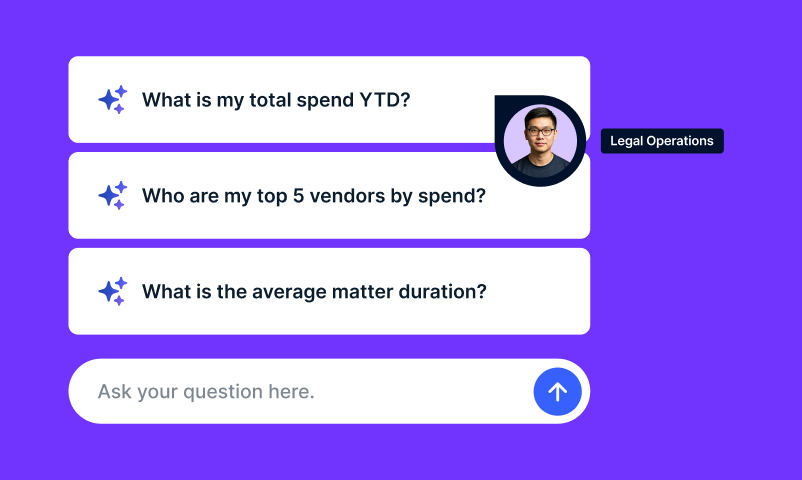
Get answers from more of your Unity ELM data, in the flow of work
A question about spend should not require a new report, a spreadsheet, or a wait for someone to pull the numbers.
Ask Unity now expands beyond invoice and spend analysis to include additional Unity ELM datasets. Users can ask questions in plain language about:
- Budgets
- Accruals
- Matter allocations
- Purchase orders
- Invoice reviewer rules
- Client-configured custom attributes
Ask Unity remains available on Unity pages, so users can investigate an issue without leaving the matter, invoice, or workflow they are reviewing. It also provides product guidance and a path to Support when self-service is not enough.
Key highlights
- Compare budgets, accrued amounts, and final spend.
- Explore matter allocations and purchase-order activity.
- Understand which invoice reviewer rules apply to a vendor.
- Analyze client-configured data alongside standard Unity ELM data.
- Access Ask Unity through the persistent in-page chat experience.
- Save page-level conversations to Ask Unity history.
- Get product guidance and escalate to Support from the same conversation.
The result: Legal and Finance can answer more operational questions from the Unity ELM system of record, without switching between reports, spreadsheets, and support channels.

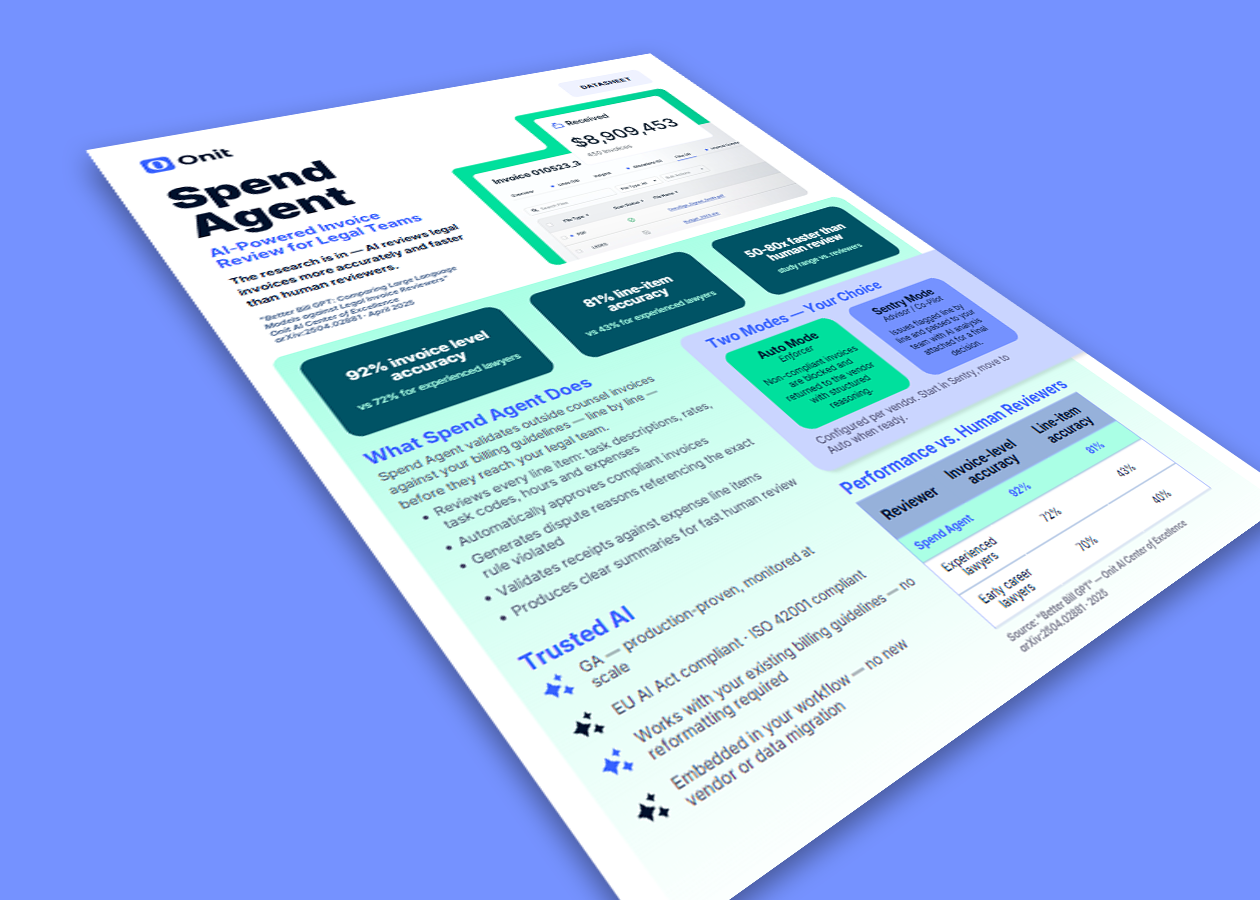
Spend Agent: More context and control for AI invoice review
Auto Adjustments
Move from identifying a variance to assessing its financial impact
Finding a billing issue is only the first step. Your team also needs to know what the issue means financially and decide how to act.
Spend Agent Auto Adjustments calculate a recommended monetary adjustment when Spend Agent identifies line-item violations. Reviewers can see the original amount, the issue, the relevant billing guidance, and the recommended adjustment together.
Key highlights
- Calculate a recommended monetary adjustment for line-item violations.
- Review the evidence and billing guidance behind each recommendation.
- Use Sentry mode when a reviewer should approve or reject the recommendation.
- Use Auto mode for qualifying invoices when automated action fits your operating model.
- Enable or disable adjustments by vendor while continuing to use Spend Agent insights.
- Override a recommended adjustment with a manual adjustment when needed.
The benefit for your team: Spend less time calculating clear-cut adjustments and more time focused on the exceptions that require judgment.
Matter-level engagement documents
General billing guidelines do not always capture the terms of a specific engagement.
Matter-level engagement documents give Spend Agent the context of the matter and vendor under review. Add engagement letters, billing guidelines, rate agreements, fee arrangements, and other relevant documents so invoice review reflects the terms that apply to that engagement.
Key highlights
- Include matter-specific agreements and exceptions in invoice review.
- Use more than one relevant document for a matter and vendor.
- Prioritize matter-level terms when they conflict with general vendor billing guidelines.
- Add PDF email correspondence when it contains terms relevant to review.
The result: Invoice review reflects the agreement for the engagement, not just a general vendor policy.

Unity RFP: Connect vendor selection to matter execution
RFP-to-Matter Integration
Vendor selection should not create a second round of data entry.
Unity RFP now connects sourcing decisions to the matter and budget workflows that follow. Link an RFP to an existing matter, create a new matter during setup, or initiate an RFP from the Matter vendor tab.
Key highlights
- Transfer the approved RFP total to the related matter as its budget.
- Capture budget start and end dates during RFP setup and proposal approval.
- Transfer winning rates and fees into Matter Management.
- Add the selected vendor to the matter after proposal approval.
- Reduce duplicate data entry between sourcing and matter execution.
The benefit for your team: Preserve negotiated value and move from vendor selection to matter execution with less administrative work.
Engagement letters
Create clearer expectations before outside counsel begins work.
Key highlights
- Draft engagement letters in the RFP editor or upload a file.
- Add letters during RFP setup, while responses are in progress, or when approving a proposal.
- Send engagement letters to selected vendors for acknowledgment.
- Preserve engagement letters when an RFP is saved as a template.
The result: More consistent engagement terms and a clearer record that selected firms received and acknowledged them.

Unity LSR: A clearer front door to Legal
New legal request types
Business users need a simple way to get the right request to Legal. Legal needs enough context to route it well.
Unity LSR adds five legal-specific request types:
- Employment
- Intellectual Property
- Product Legal Review
- Insurance
- Legal Operations
Each request type is available through both form-based and chat-based intake. Preconfigured fields and seeded, admin-editable picklists help capture the information Legal needs from the start.
Key highlights
- Give business users clearer choices than a general legal question.
- Collect domain-relevant information for Employment, Intellectual Property, Product Legal Review, Insurance, and Legal Operations requests.
- Use Request Agent to support classification and required-field collection.
- Apply existing routing, lifecycle, notification, matter conversion, reporting, search, and dashboard capabilities.
- Enable or disable each request type independently.
The benefit for your team: Better request categorization, more relevant context at intake, and a cleaner queue for Legal to triage and route.

OnitX: More connected, secure legal operations
Product Picker
Customers using both Unity and OnitX can move between authorized products from one connected navigation experience.
Key highlights
- Switch between Unity and OnitX products from the product navigation.
- Access configured custom apps in OnitX.
- Use the Product Picker in both new and legacy OnitX experiences.
The result: A more connected path across the authorized Onit products and workflows your team uses every day.
Column-level encryption
Protect sensitive content at rest while preserving normal access for authorized users.
Key highlights
- Encrypt incoming email subjects and bodies at rest.
- Encrypt selected text, text-area, and HTML fields at rest.
- Maintain the familiar in-application experience for authorized users.
- Keep encrypted fields out of search.
- Support historical-data encryption through a separate follow-on process.
The benefit for your team: More protection for sensitive legal content without disrupting day-to-day work.
Unity Product Integration
Extend Unity LSR and Unity RFP into existing OnitX workflows and custom apps.
Key highlights
- Respond to Unity LSR and Unity RFP record-created and record-updated events.
- Map Unity event data to OnitX records through business rules.
- Create or update OnitX records based on Unity events.
- Send approved updates from OnitX back to Unity products.
The result: Customers with established OnitX workflows can extend Unity products into their existing legal operations environment.

Counsel Exchange: Faster, clearer vendor workflows
Vendors need a simple way to submit invoices, budgets, rates, and other information accurately. Legal teams need fewer avoidable errors and less rework.
Counsel Exchange enhancements improve the day-to-day experience for law firms and vendors.
Key highlights
- See more invoice line-item detail and customize grid views.
- Interpret validation messages and warnings more easily.
- Support clearer error handling and bulk invoice-submission workflows.
- Refine timekeeper and rate-management workflows with additional filters.
- Review selected budgets before bulk submission.
- Filter and navigate matter budgets by date range and page.
- Protect in-progress work with an unsaved-changes prompt.
- Access Support Assistant, hashes, API keys, and system announcements more easily.
The benefit for your team: Cleaner submissions, faster corrections, and less friction across the e-Billing process.
Counsel Exchange Release Notes

BusyLamp: Stronger e-Billing collaboration, security, and invoice processing
Chat, MFA, and invoice controls
BusyLamp enhancements help teams collaborate more securely and manage e-Billing activity with greater control.
Key highlights
- Communicate securely with internal stakeholders and external law firms in eBilling.Space.
- Strengthen account security with TOTP-based multi-factor authentication.
- Preview invoice PDFs without leaving the application.
- Apply more granular blocking controls to law firms, lawyers, and matters.
The result: Better collaboration and stronger controls, without adding unnecessary steps to the invoice-review process.
Smart Invoice Converter updates
Invoice conversion should not slow down a complex billing workflow.
Key highlights
- Use a new AI invoice extraction engine.
- Convert LEDES files faster.
- Improve validation and review of converted LEDES invoices.
- Process invoices associated with multiple matters for more accurate allocation.
The benefit for your team: Less manual correction and more reliable invoice data entering your e-Billing workflows.

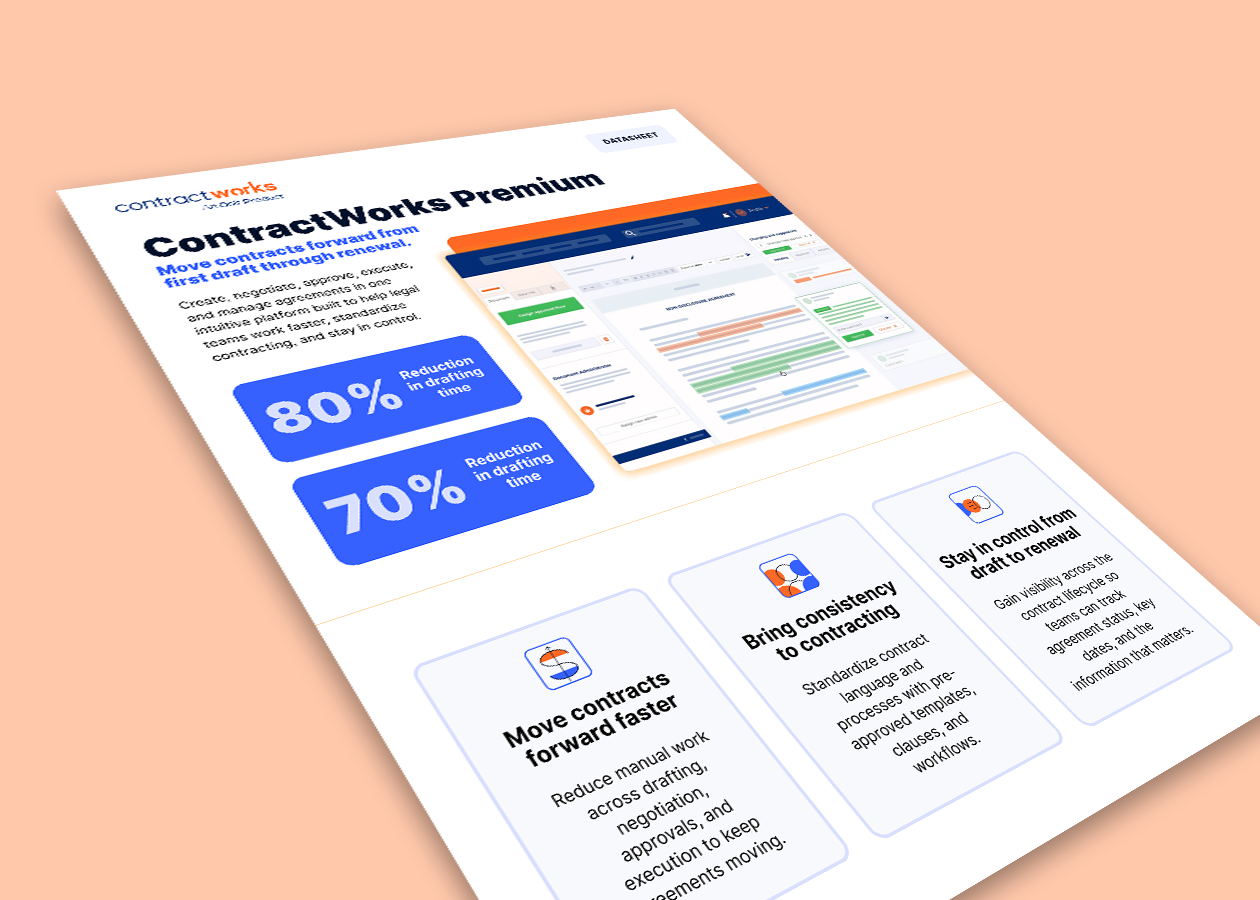
ContractWorks: More usable contract data at scale
ContractWorks bulk AI reprocessing
When extraction logic or templates change, updating documents one at a time creates unnecessary work.
ContractWorks now lets users select multiple documents in a folder and reprocess them with AI in bulk.
Key highlights
- Review current template tags before reprocessing.
- See which tags the newly applied template will overwrite.
- Select or deselect tags before running the bulk action.
- Apply updated extraction and template logic across selected documents.
The result: Keep contract data current at scale without reprocessing records one by one.
Refreshed Preferences experience
ContractWorks has refreshed the Preferences page within Create and Collaborate settings to create a more consistent experience across ContractWorks.
The benefit for your team: A more consistent experience without changing the underlying workflow your team already knows.

ReviewAI Smart Mapping
ReviewAI Smart Mapping now supports more OnitX CLM field types, helping teams turn extracted contract information into structured, usable records.
Key highlights
- Map extracted values to combo/list, currency, date, time, and email fields.
- Use ReviewAI playbooks and prompts to guide extraction and classification.
- Populate OnitX CLM records with more structured contract data.
The result: Less manual data entry and more useful contract information for workflows, reporting, and analysis.
What the August Product Launch means for your team
With these enhancements, your team can:
- Resolve invoice changes before finalization.
- Apply billing terms more consistently across matters and vendors.
- Reduce manual work across invoice review, vendor collaboration, intake, and contract data management.
- Give Legal and Finance clearer visibility into spend and operational activity.
- Connect sourcing decisions to downstream matter and budget workflows.
- Find answers and product guidance without interrupting the workday.
- Strengthen security and governance without adding unnecessary process.
The result: More context where decisions happen. Less rework after the fact.